Start with the exact platform
Use the exact product listing to compare the intended task, fitting and included components. Product capabilities are specific to the chosen model.
$33.98
Free standard US shipping
Contiguous 48 states & DC · 4–7 business days total
30-day returns
Merchant-paid return shipping. Read the policy
Questions about this item? [email protected]
Product brand: PlayVital
The details
Product Features:
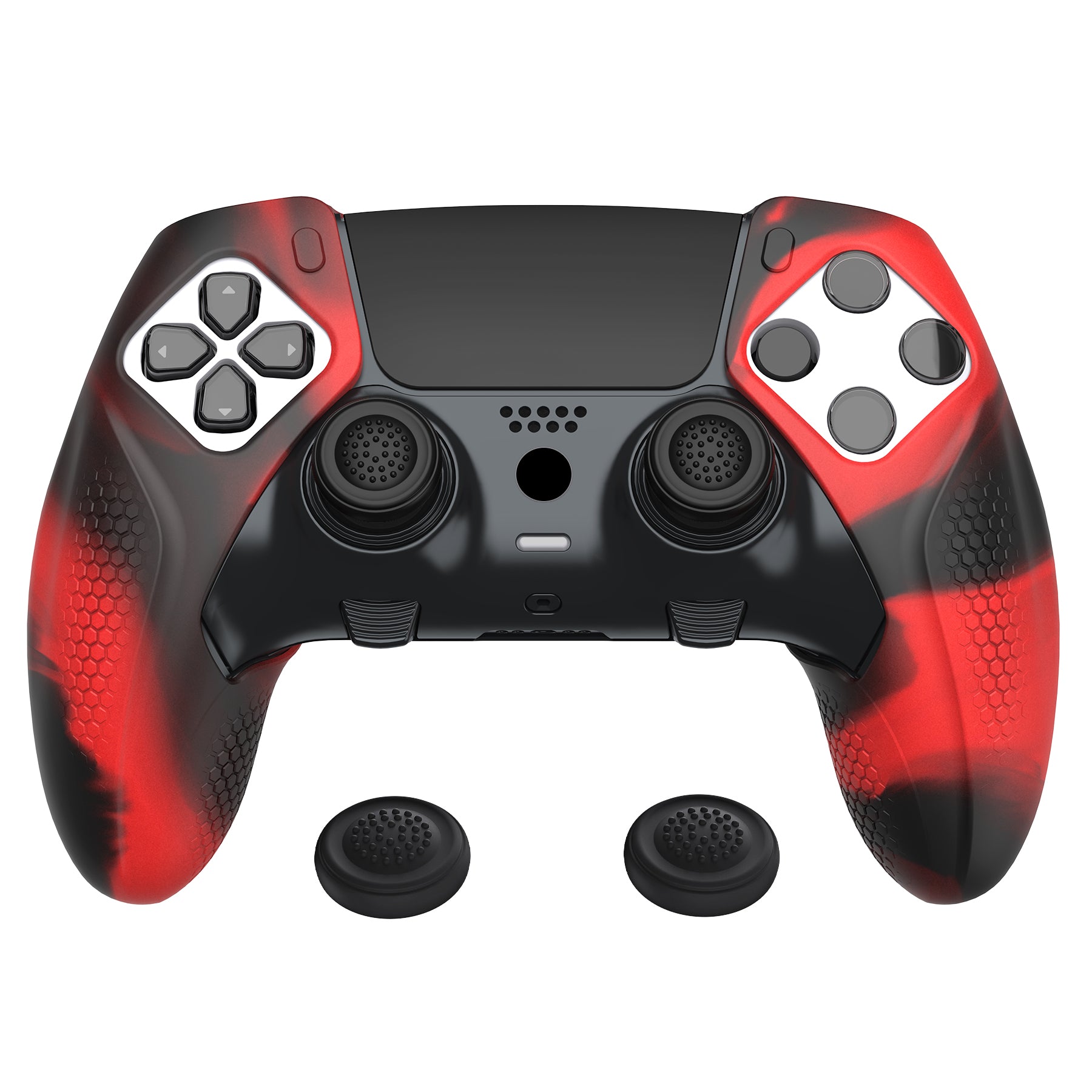
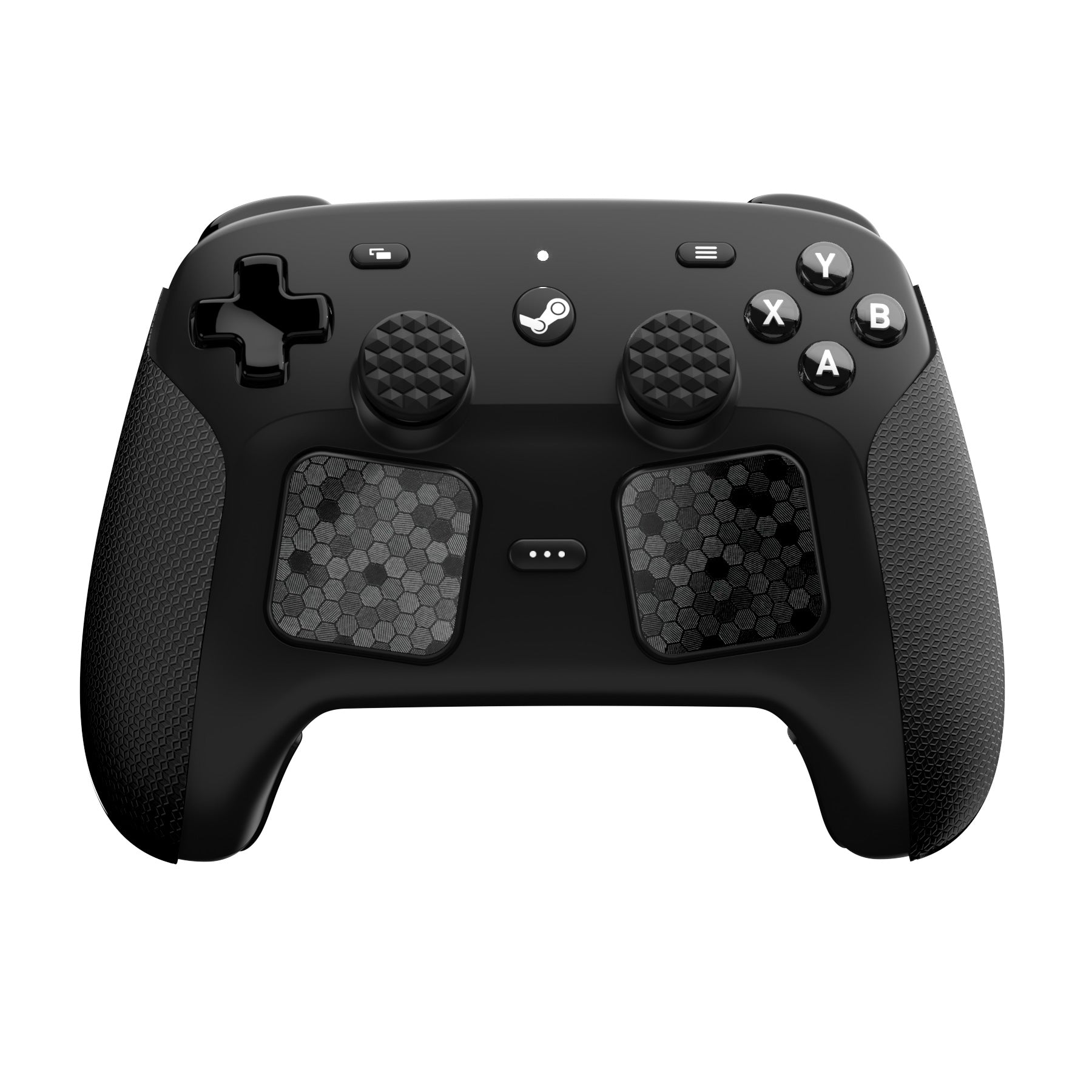
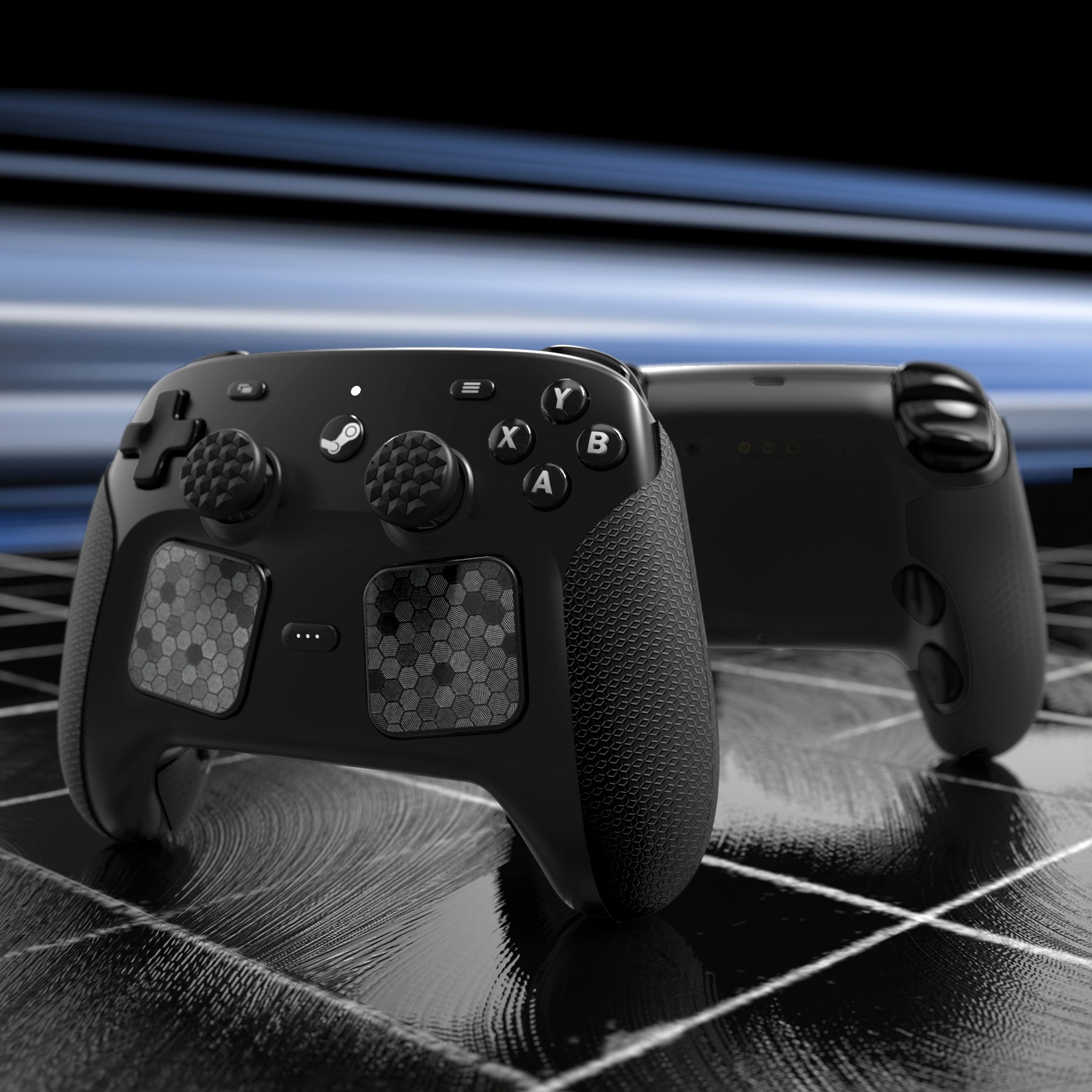
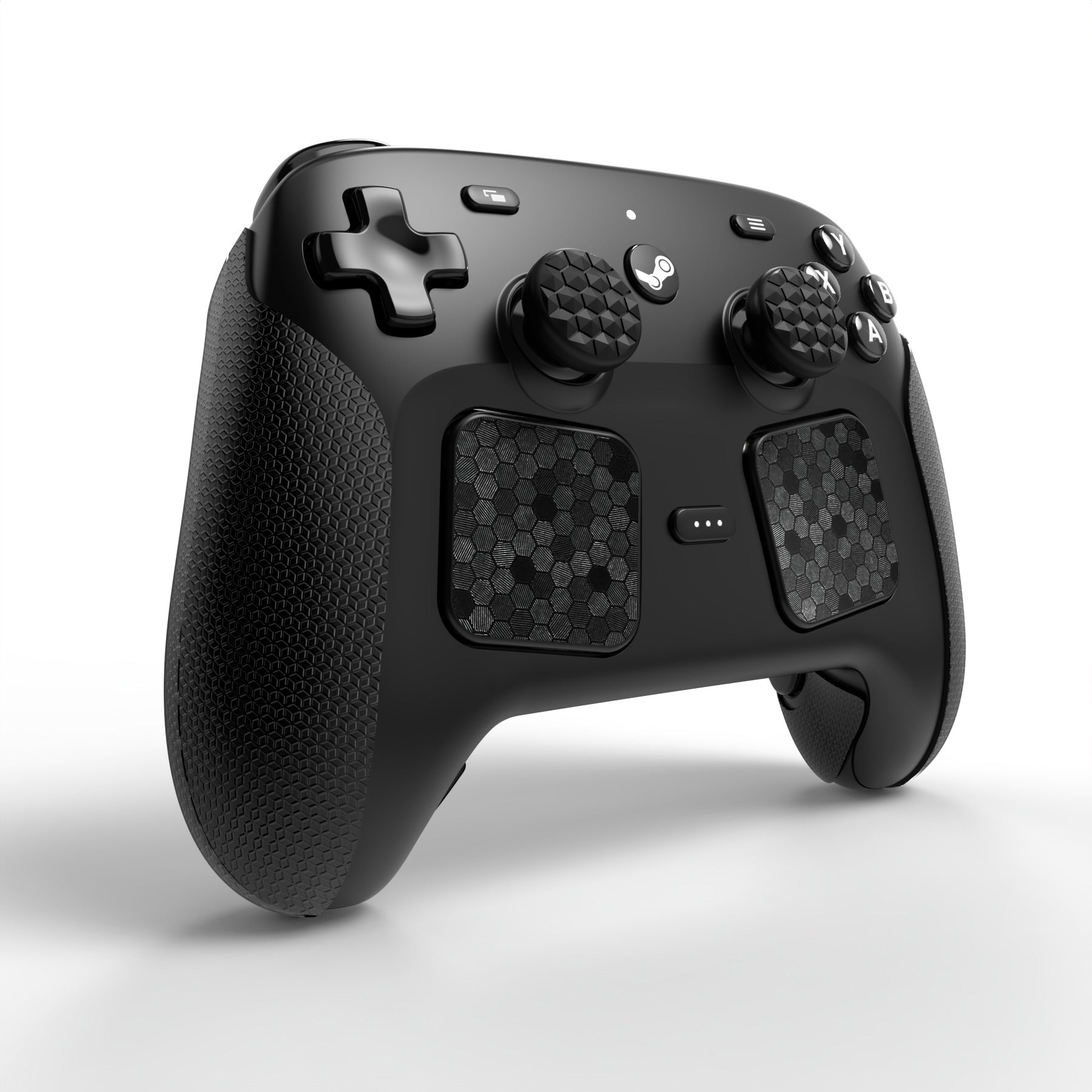
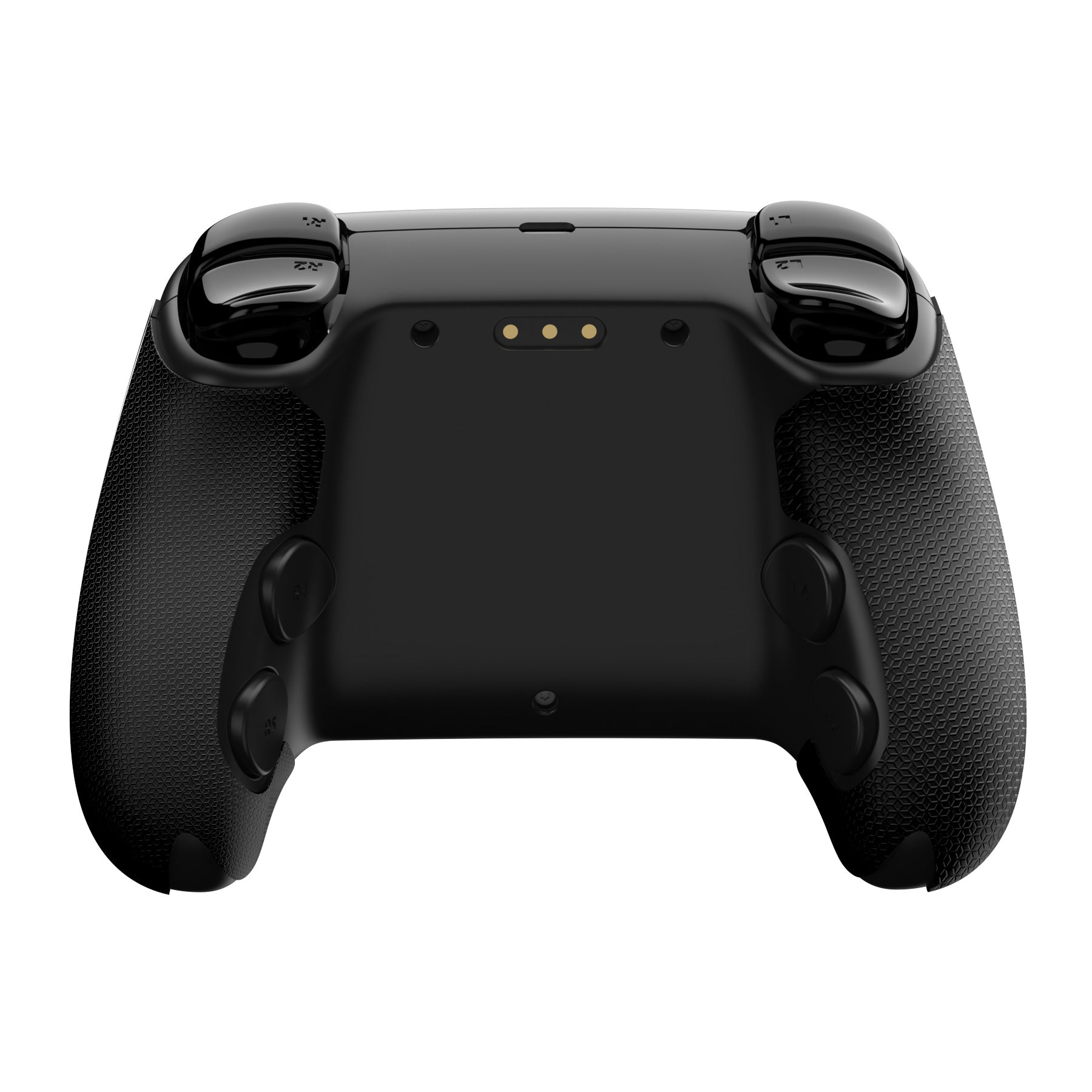
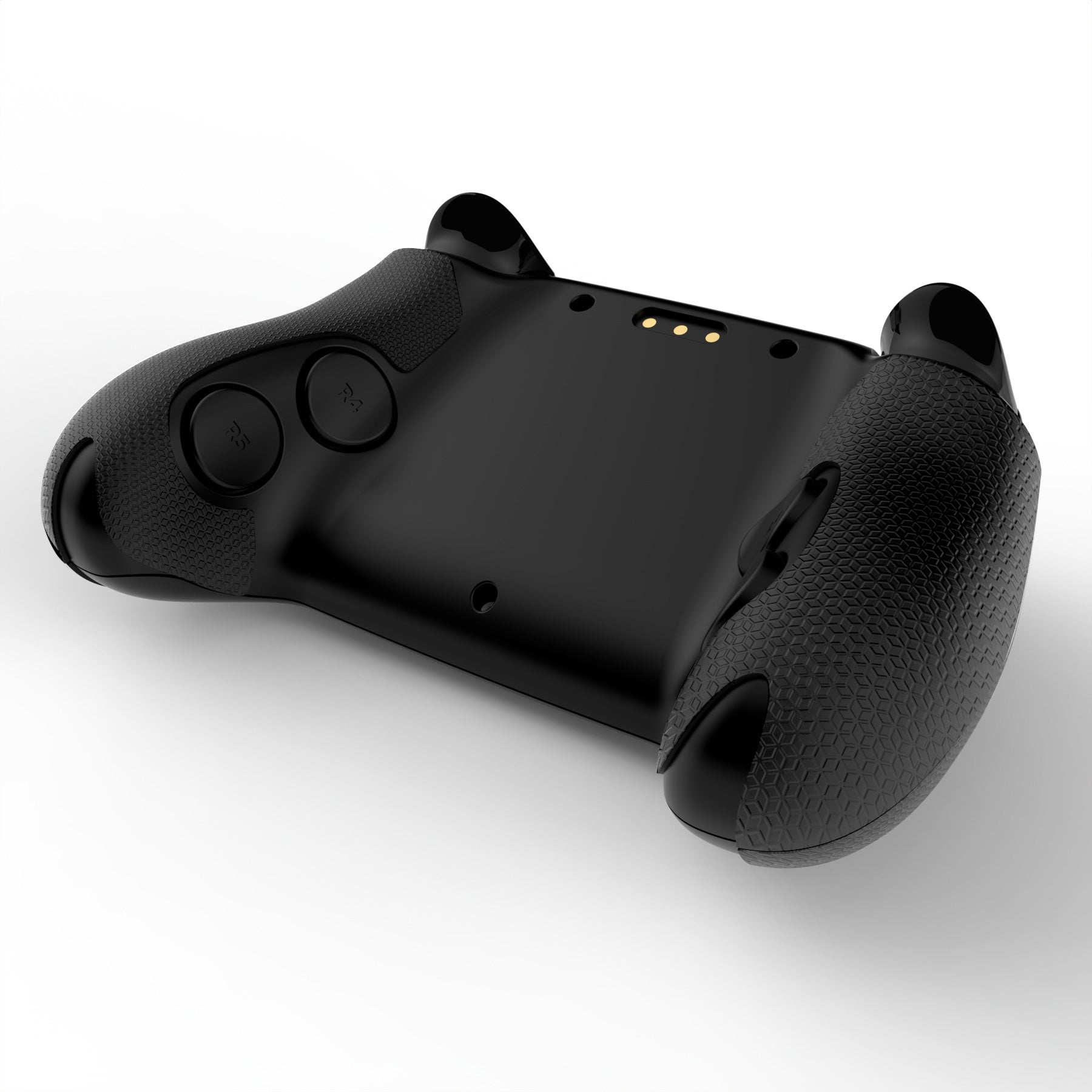
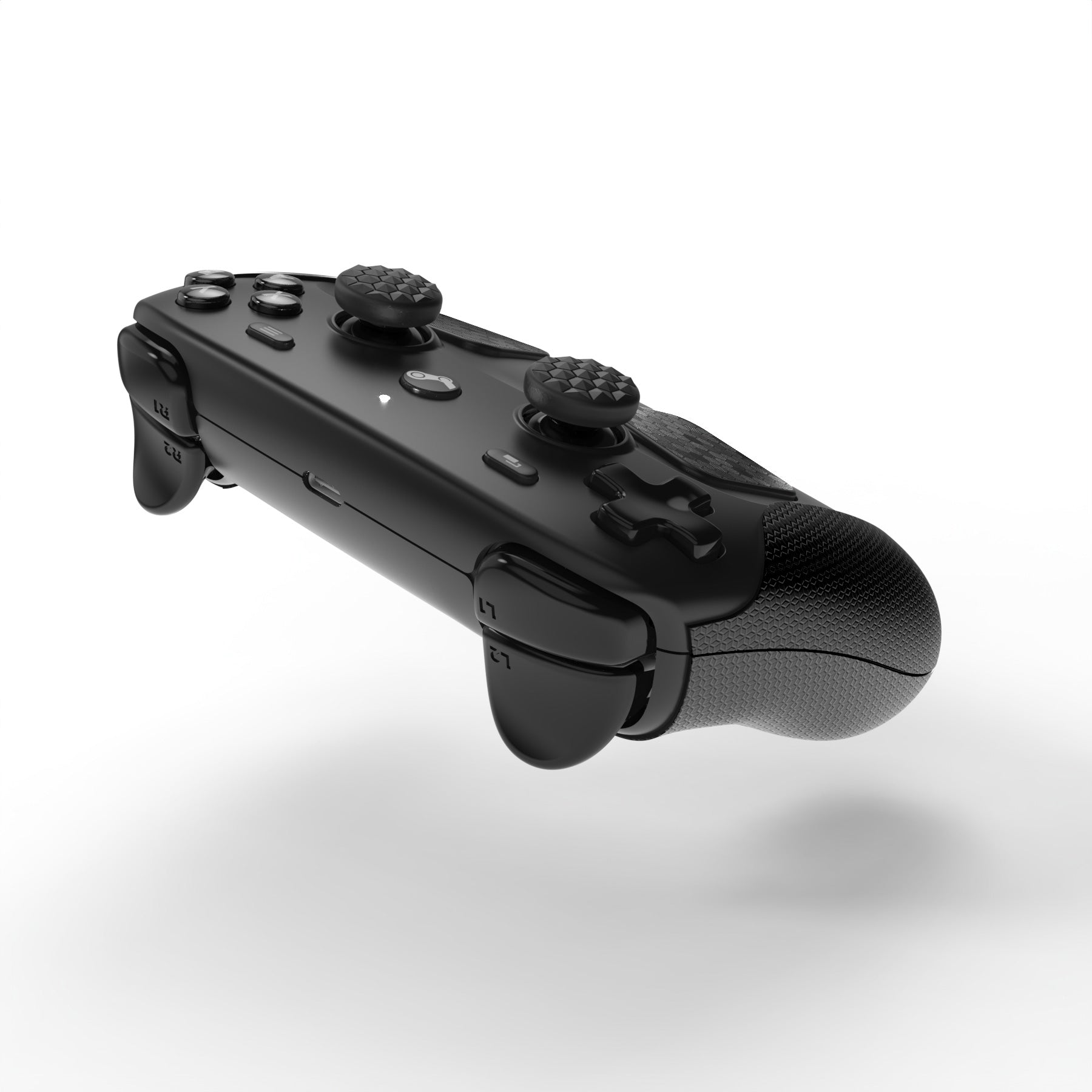
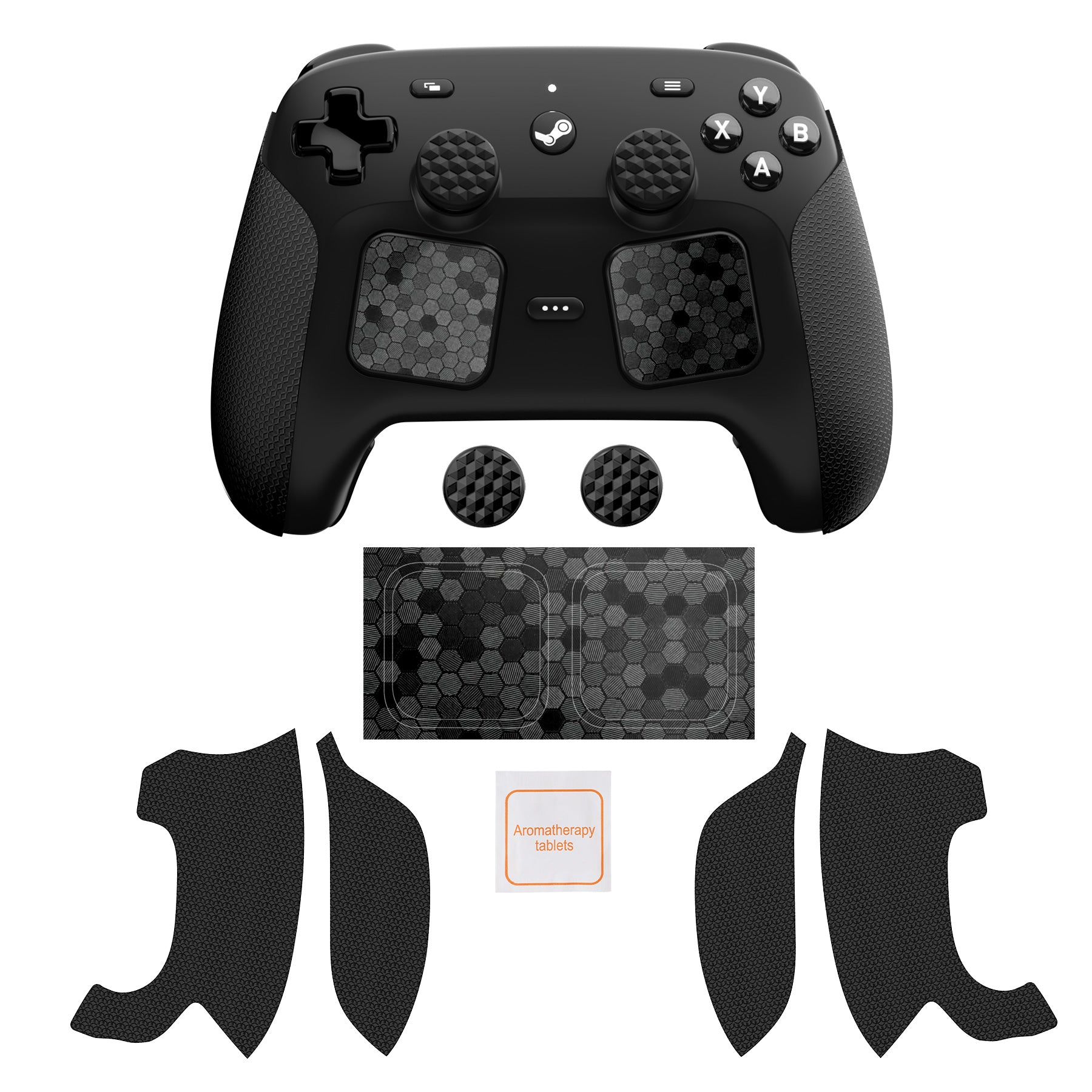
1. Upgrade the grip feel of your controller with this PlayVital grip skin set for Steam Controller 2026 / Steam Controller 2. The PU stickers use a hexagon diamond texture to help add friction where your palms and fingers contact the controller, making the grip feel steadier during long PC gaming sessions.
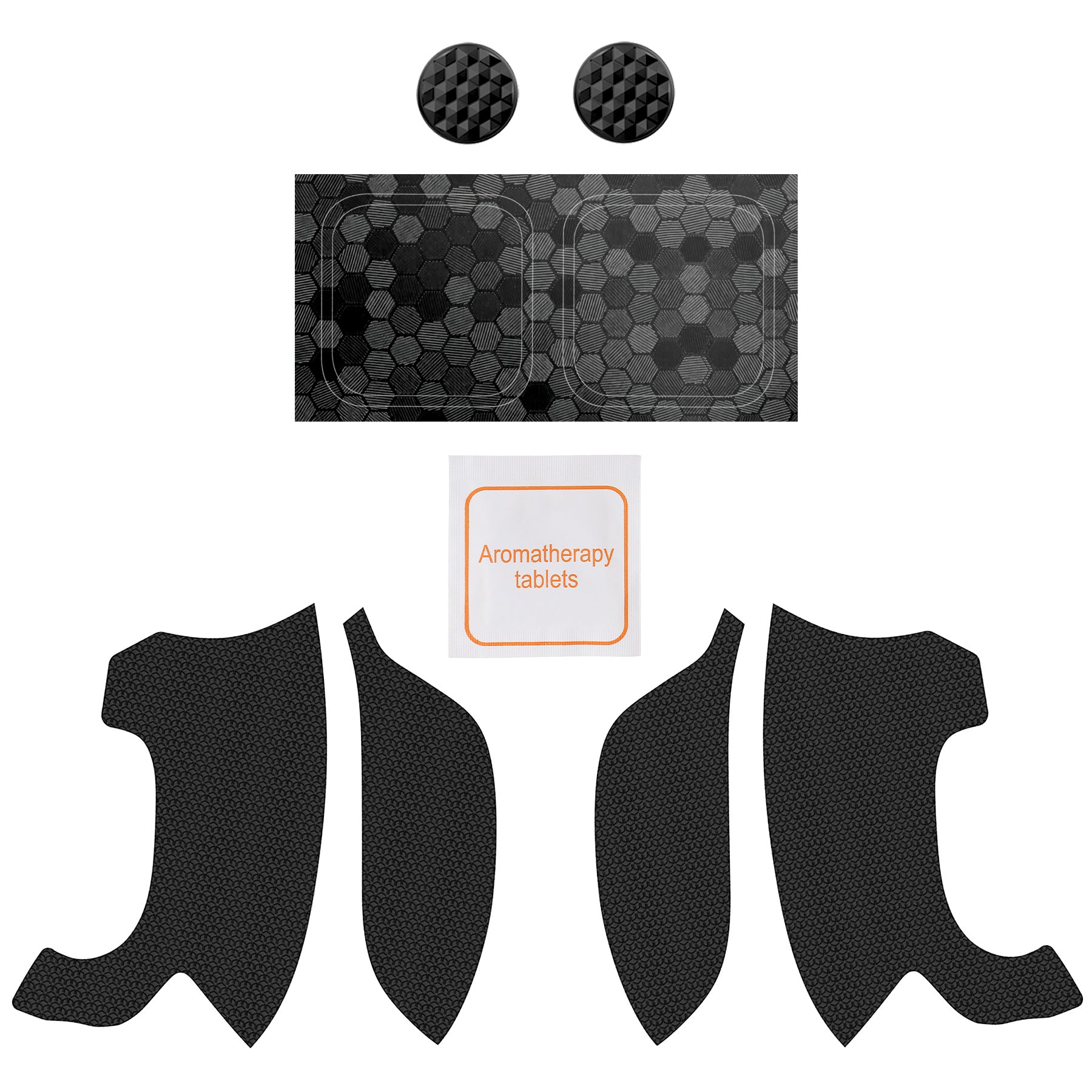
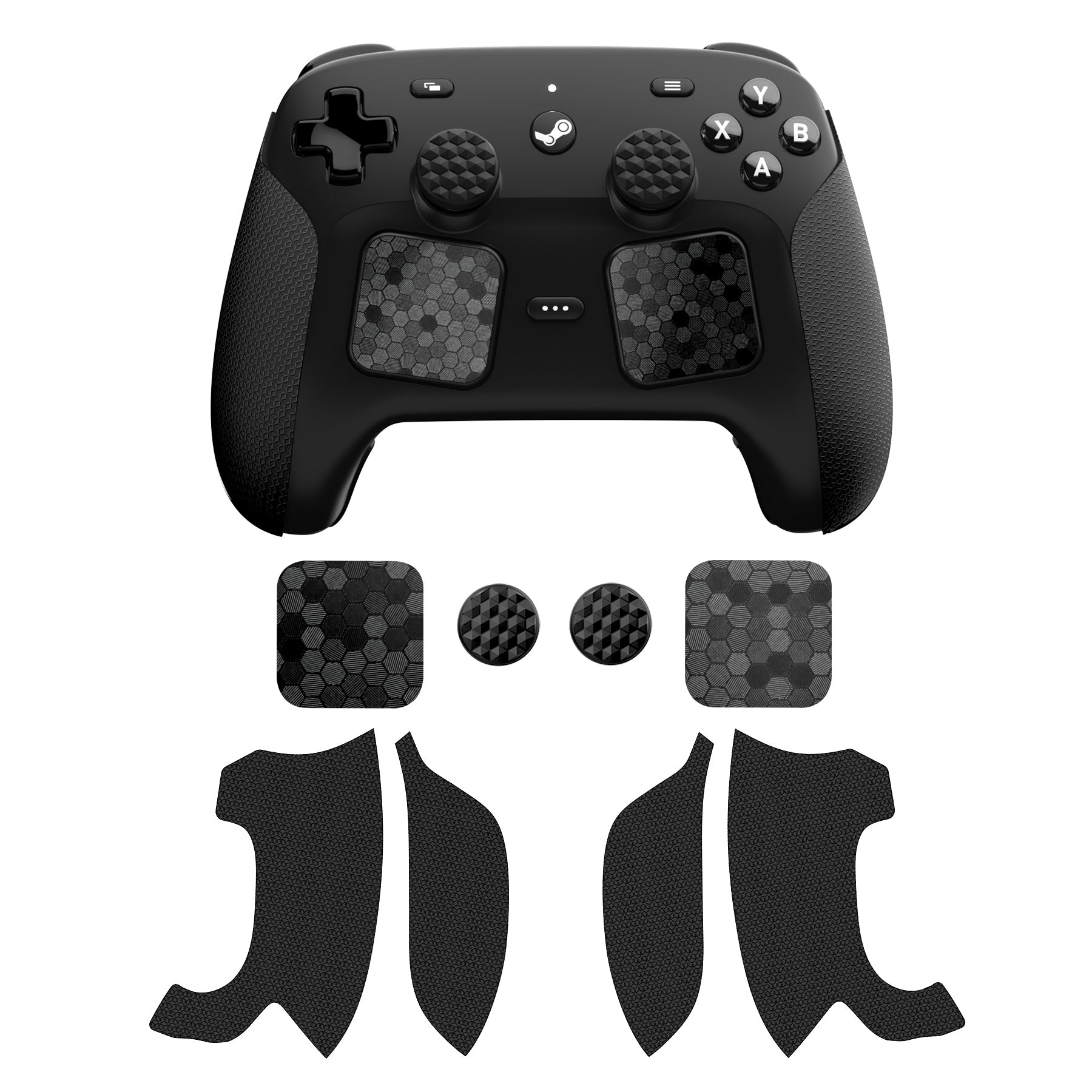
2. The split stickers are shaped for the left and right handle areas. Matching touchpad stickers add texture to the touchpad areas and, when properly aligned, help keep them accessible for normal operation while creating a unified black look. Textured thumb grips fit over the controller sticks to add extra contact between your thumbs and the stick tops, while helping reduce everyday wear during regular play.
Installation Notes:
1. Slight material odor may occur; air out the stickers for 48-72 hours or longer if sensitive.
2. Read the manual or watch the installation guide video before applying.
3. Smaller pieces are for the front side, larger pieces are for the back side. Install the front side first.
4. Do not use a high-temperature heat gun.
5. Do not stretch the grips with excessive force, as this may affect shape and alignment.
6. Press each piece firmly and allow several hours for the adhesive to set before use.
Installation Video:
Please click here to view the installation video:
PlayVital Steam Controller 2 Grip Sticker Installation Guide
Package Includes:
4 x PU handle grip pads
2 x Touchpad stickers
2 x Thumb grips
1 x Cleaning cloth kit
1 x Instruction manual
Compatibility Note:
For Steam Controller 2026 / Steam Controller 2 only. Not for Steam Controller 2015. Controller and display accessories are not included.
Know the fit
1. Slight material odor may occur; air out the stickers for 48-72 hours or longer if sensitive.
4. Do not use a high-temperature heat gun.
Choose & use with care
Use the exact product listing to compare the intended task, fitting and included components. Product capabilities are specific to the chosen model.
Compare the listed dimensions, capacity and actual option labels with your available space or equipment before ordering.
Use the care and handling directions supplied for the selected product. Contact our team with the SKU if a detail is not stated.
Follow the instructions supplied for the exact product. Features, limits and care directions are specific to the selected model.
Order preparation takes 1–3 business days, followed by 3–4 business days in transit: 4–7 business days in total. Standard shipping is free to the contiguous United States and DC, with no minimum order.
Request a return within 30 calendar days after delivery. We pay return shipping. After receipt, inspection and initiation of an approved refund take 5–7 business days.
Before you decide
Start with the exact platform. Read the actual item description, included parts and options. The collection contains different models; a feature stated for one item should not be assumed for every product.
Check model compatibility. Compare the dimensions and compatibility stated for the selected item with the space or equipment you intend to use. If a required measurement is absent, send the product name or SKU to [email protected] before purchasing.
Available choices are shown on the individual product page. Select the actual option labels before adding a variable product to your cart. Photos and specifications should be read together with that choice; availability is specific to the selected configuration.
Review what is included. Follow the instructions supplied for the exact model. Do not assume that all items have the same materials, installation method, care directions or intended use.