Start with the exact platform
Use the exact product listing to compare the intended task, fitting and included components. Product capabilities are specific to the chosen model.
$30.00
Free standard US shipping
Contiguous 48 states & DC · 4–7 business days total
30-day returns
Merchant-paid return shipping. Read the policy
Questions about this item? [email protected]
Product brand: PlayVital
The details
Product Features:
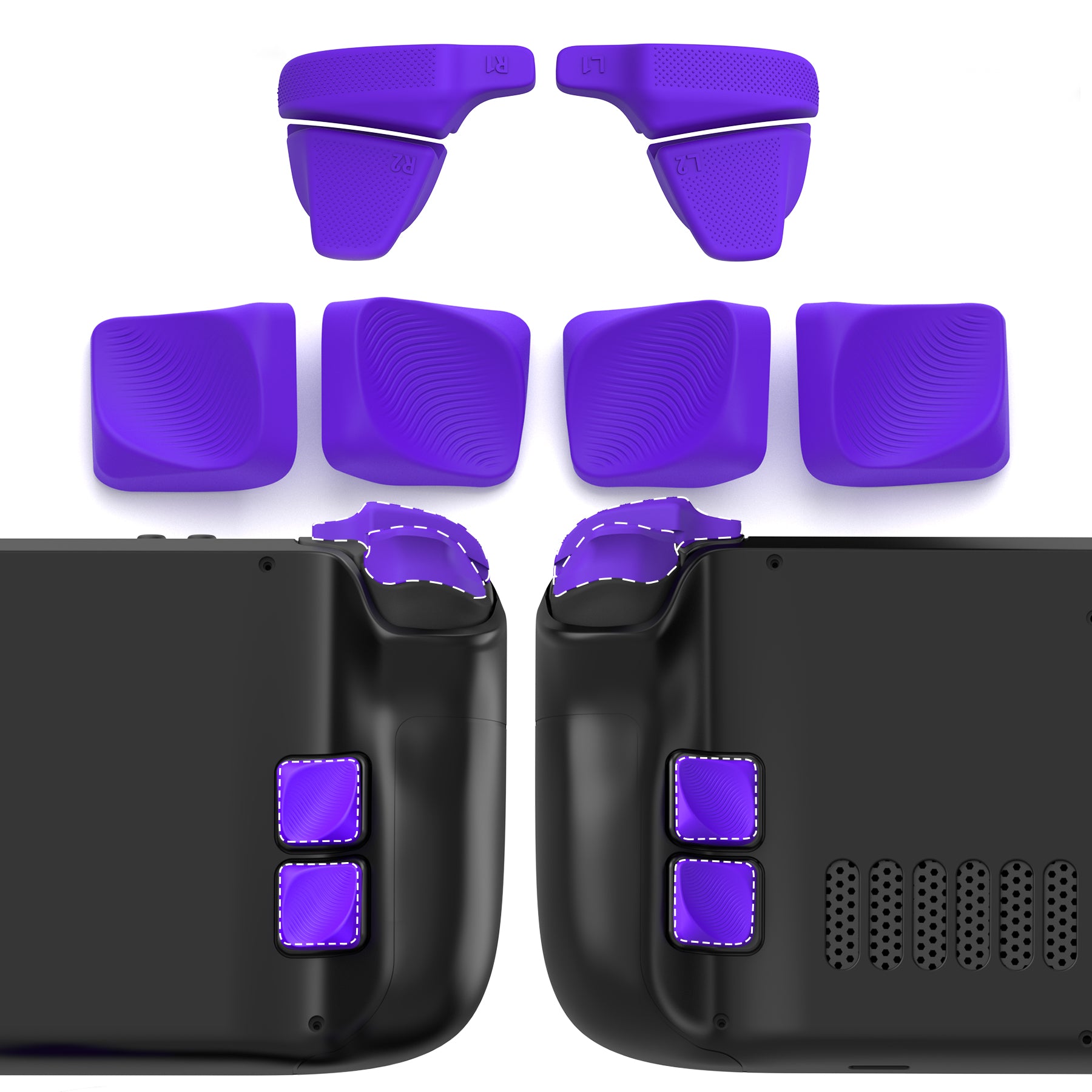
1. This accessory set is designed for Steam Deck LCD and OLED models. Each piece is precision-made to fit without blocking buttons, ports, or vents.
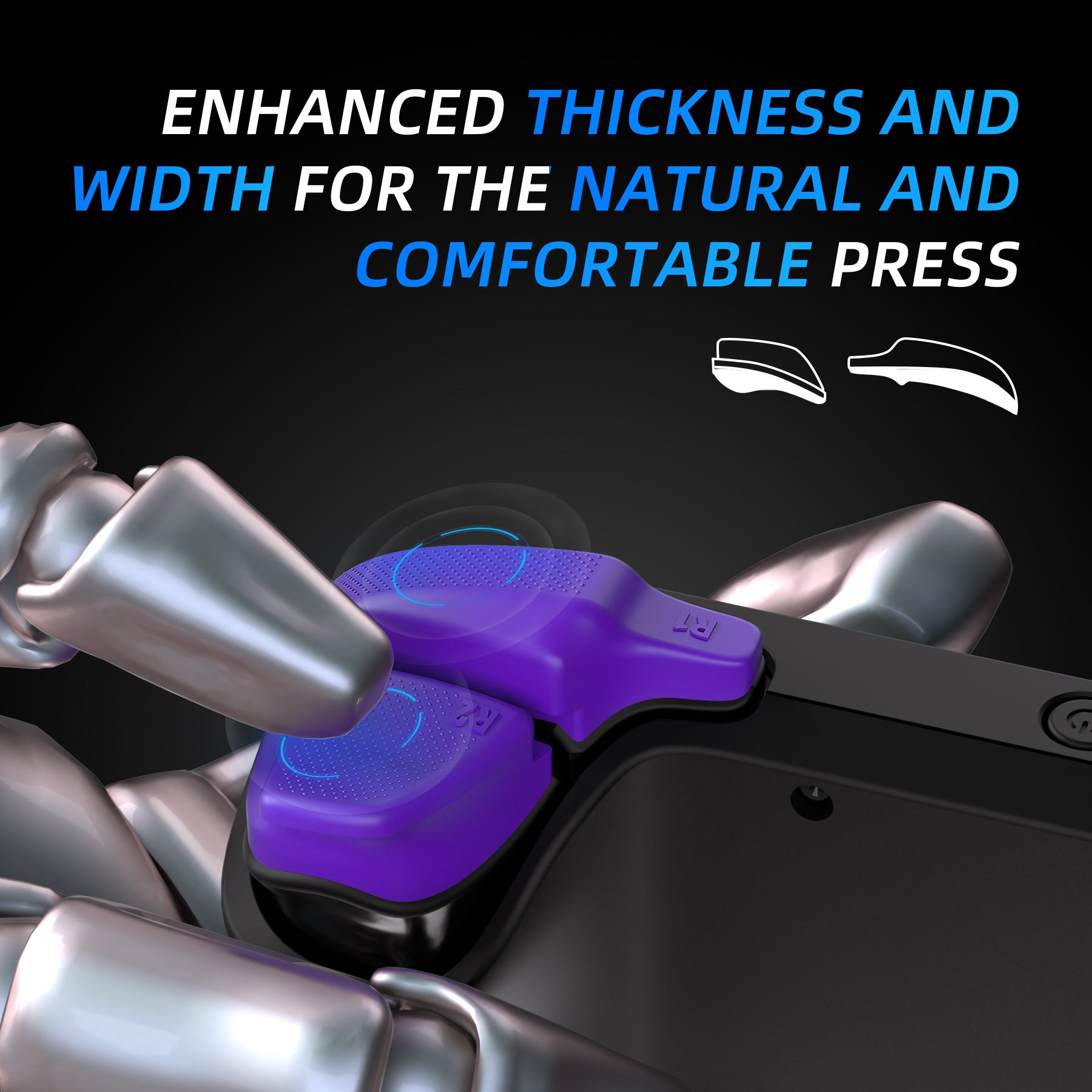
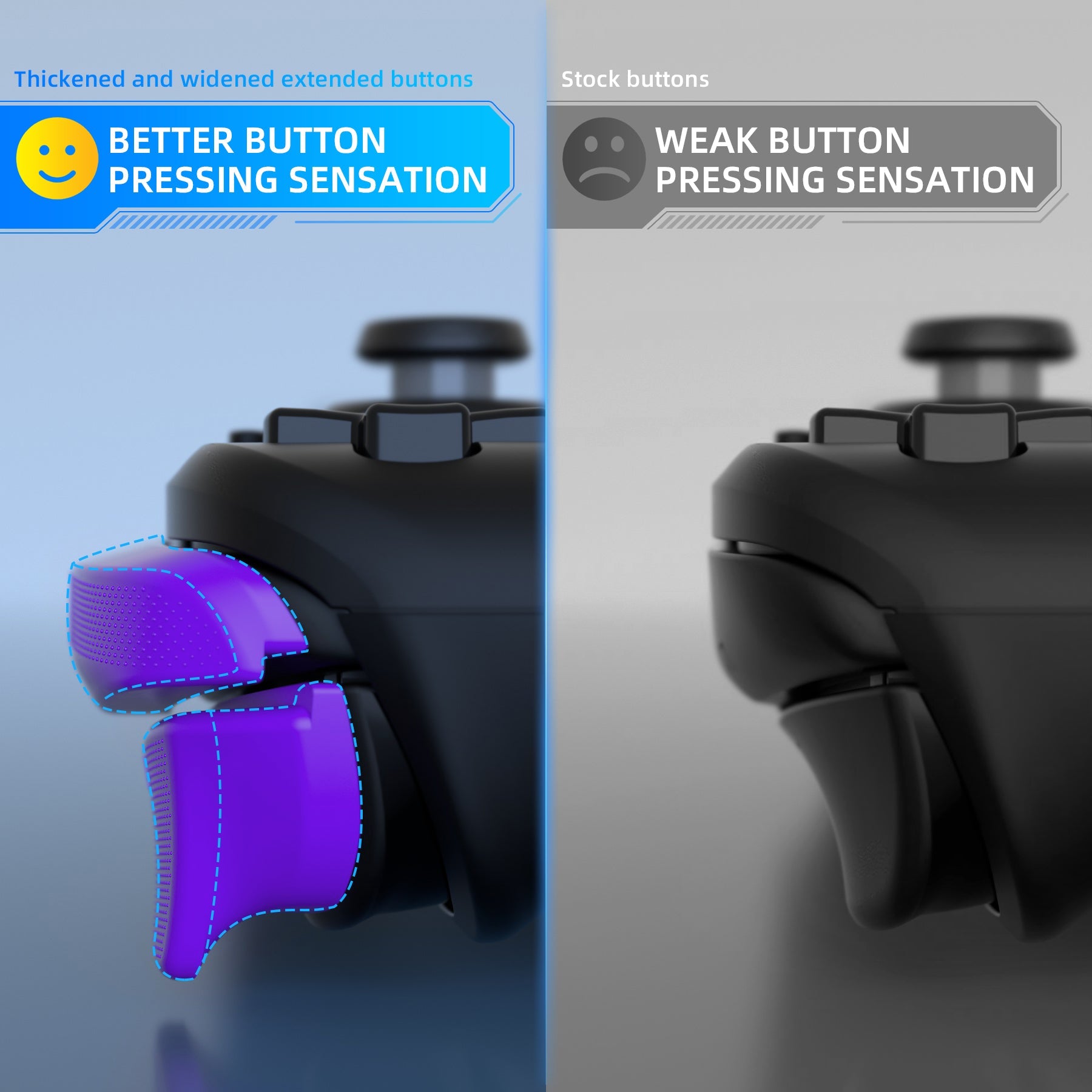
2. The extended LR buttons make pressing easier and more natural, giving you smoother response and less finger strain during long play.
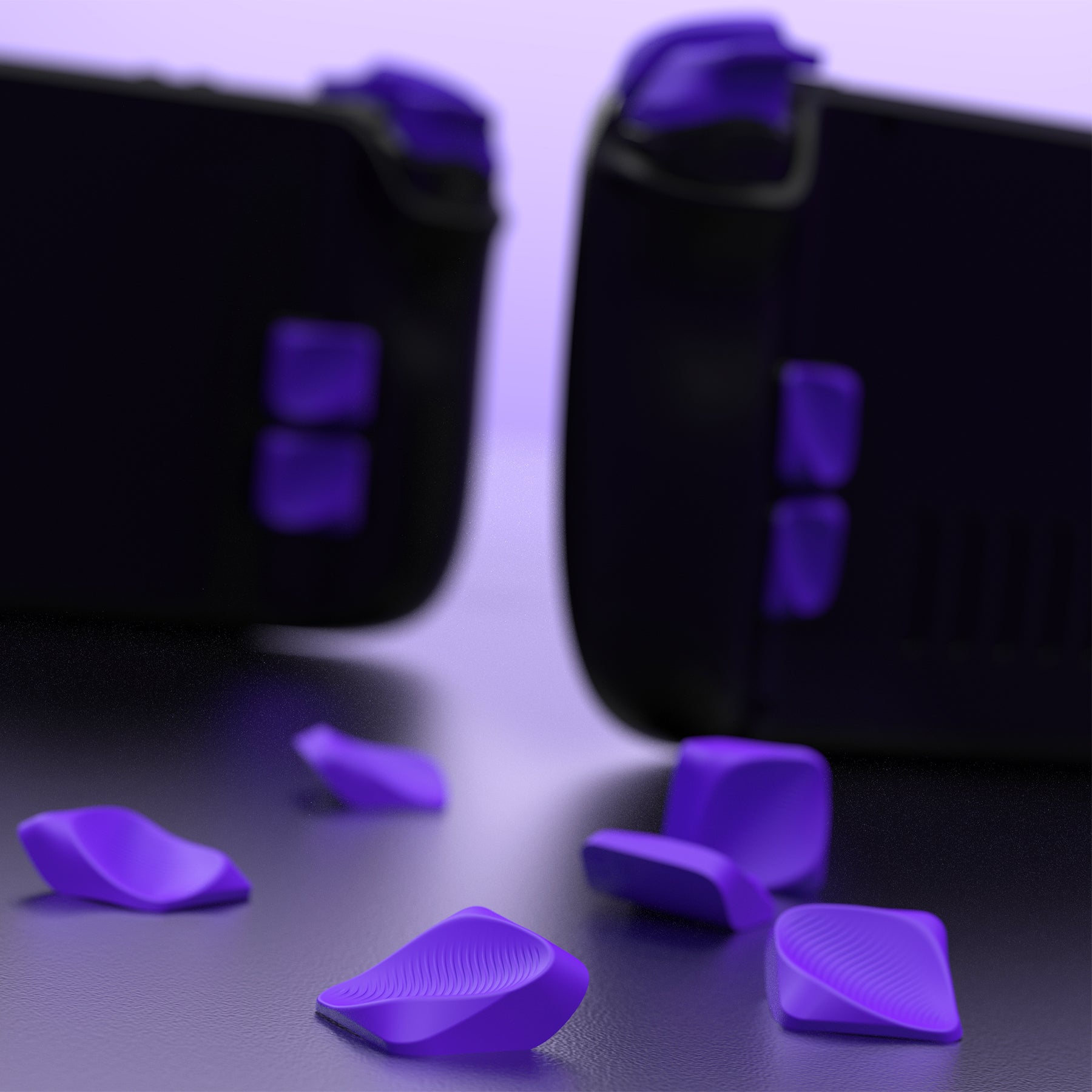
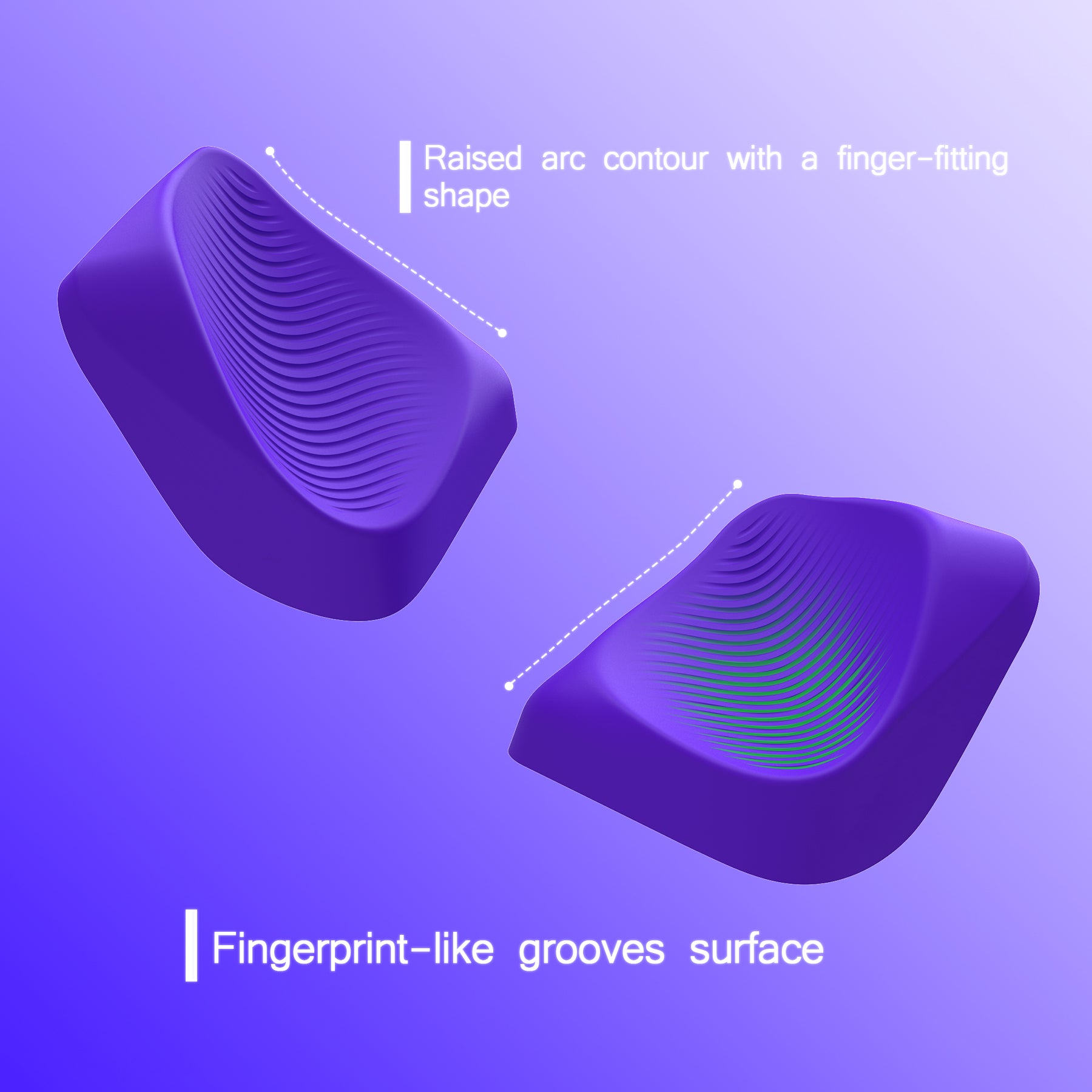
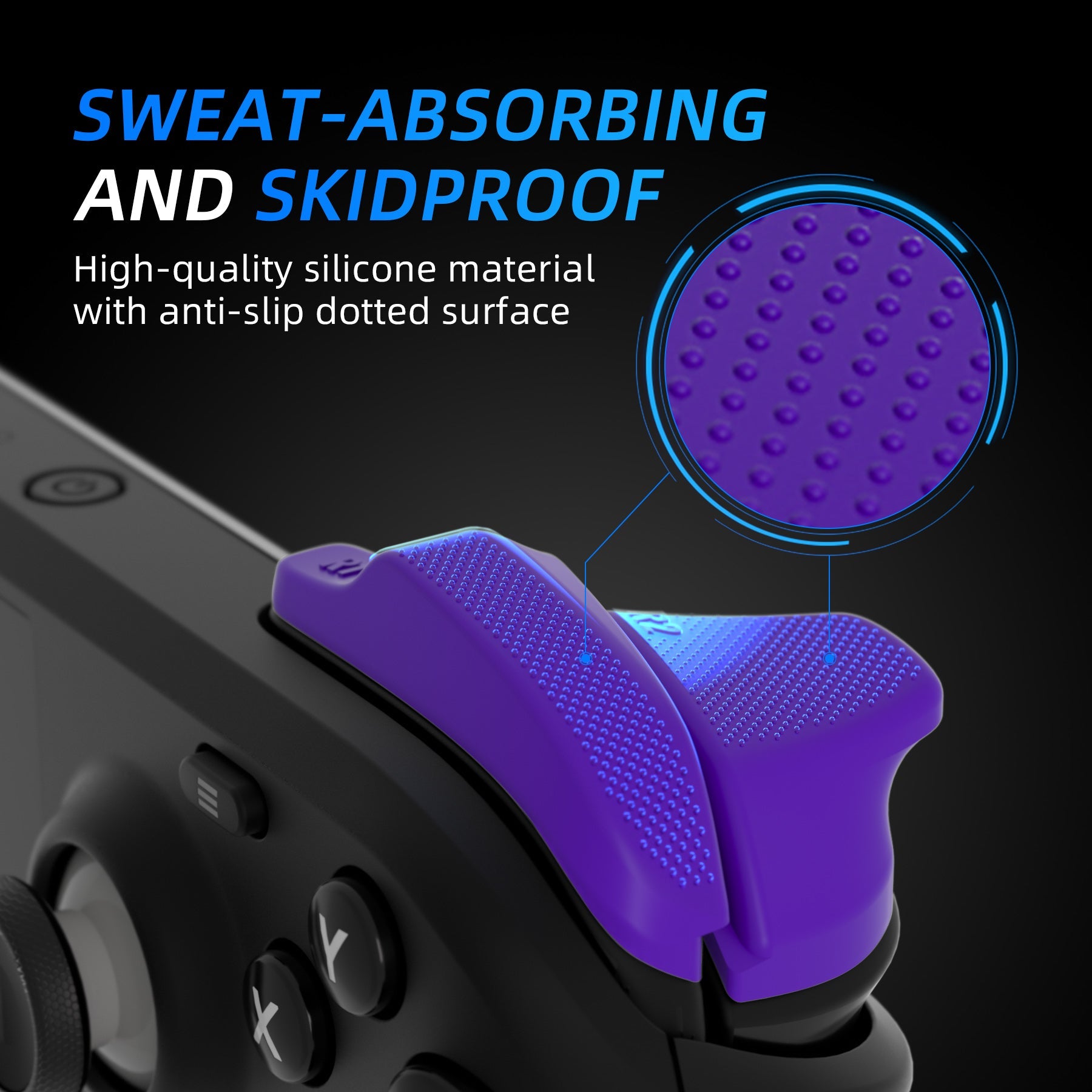
3. Silicone parts feature a textured anti-slip surface that keeps your grip steady, even with sweaty hands.
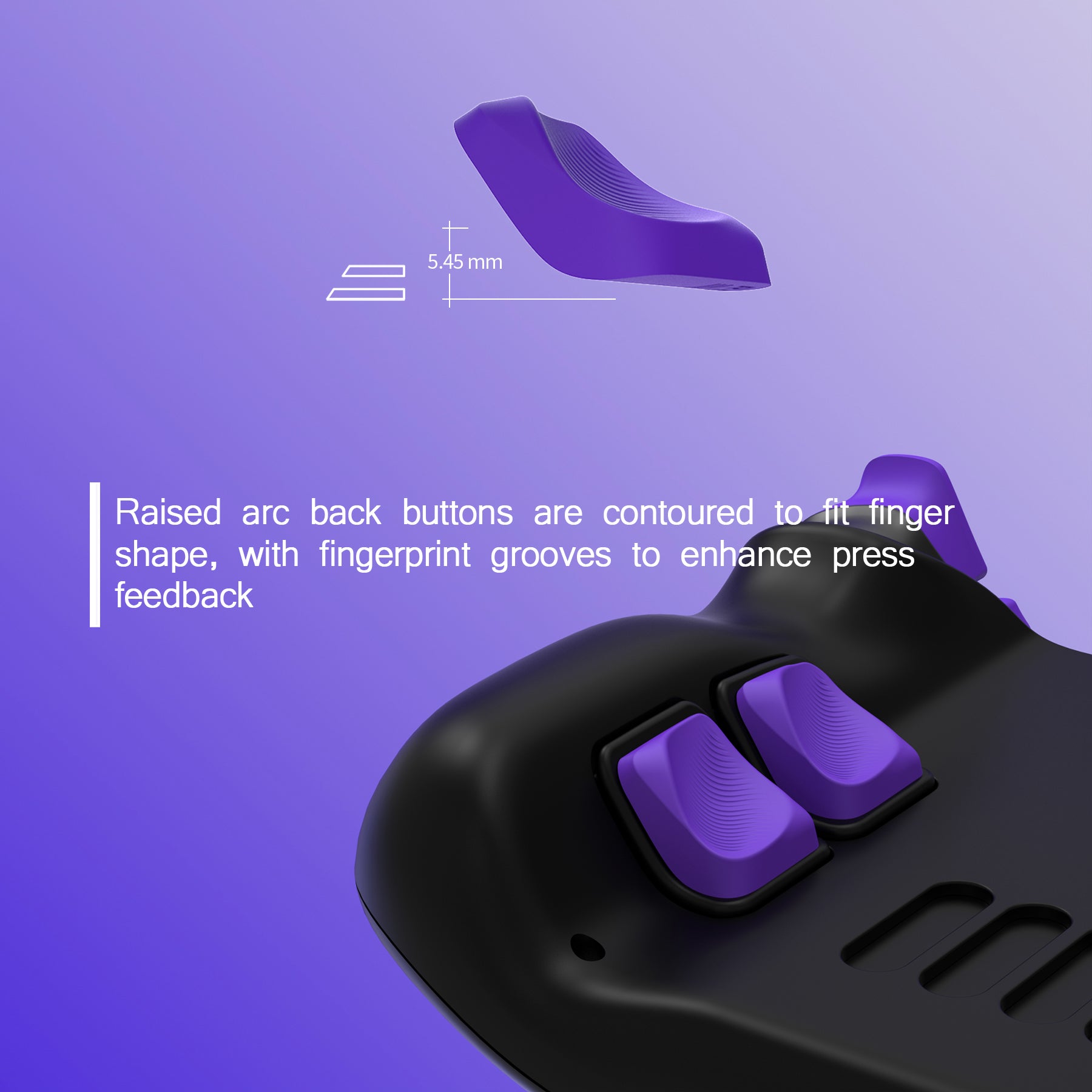
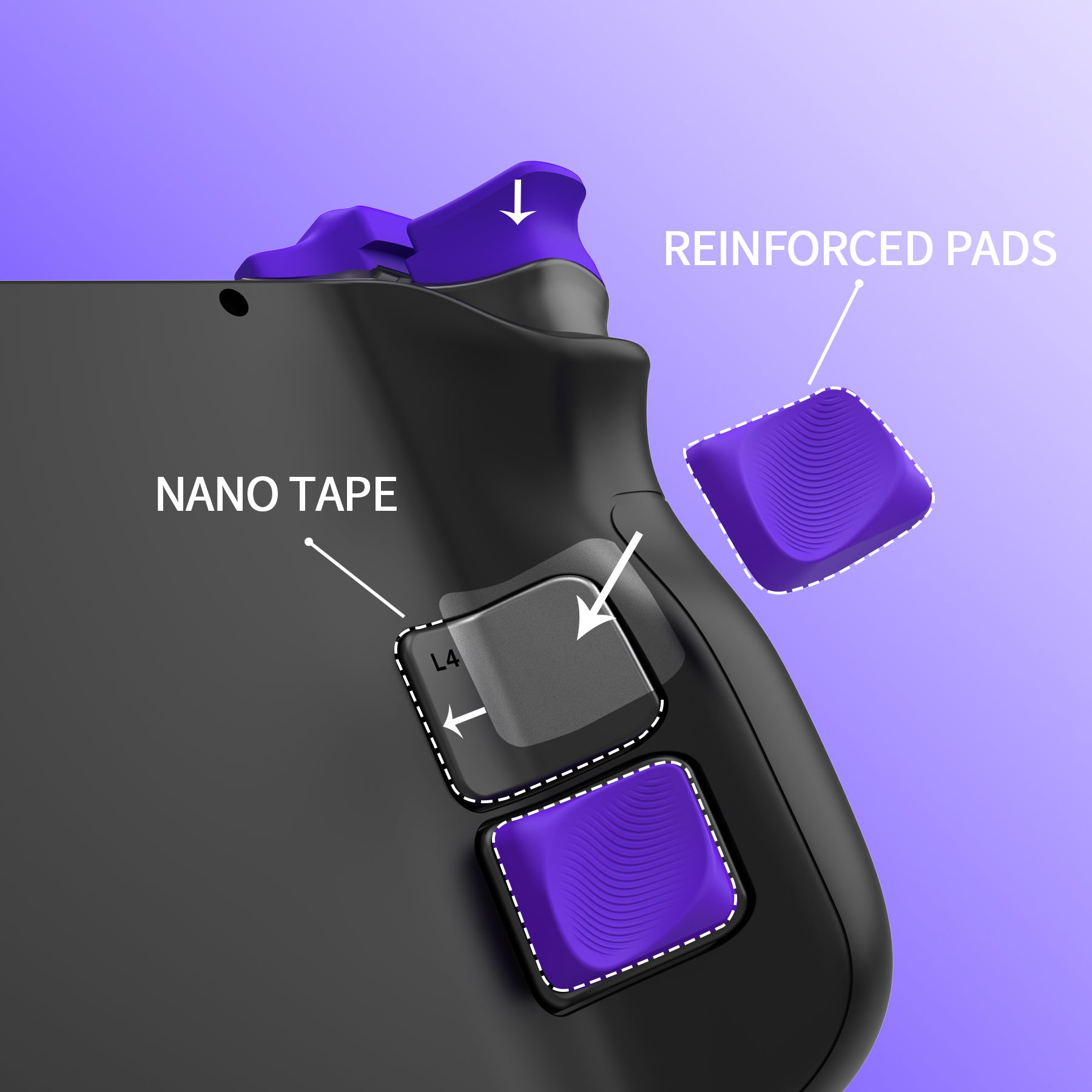
4. Raised rear back button covers with ergonomic grooves improve comfort and protect the original buttons from daily wear.
Important tip:
1. Due to the narrow gap between the L and R buttons, please paste the extension triggers properly so as to avoid the interference of the buttons during pressing.
2. Please follow the provided instruction guide while applying.
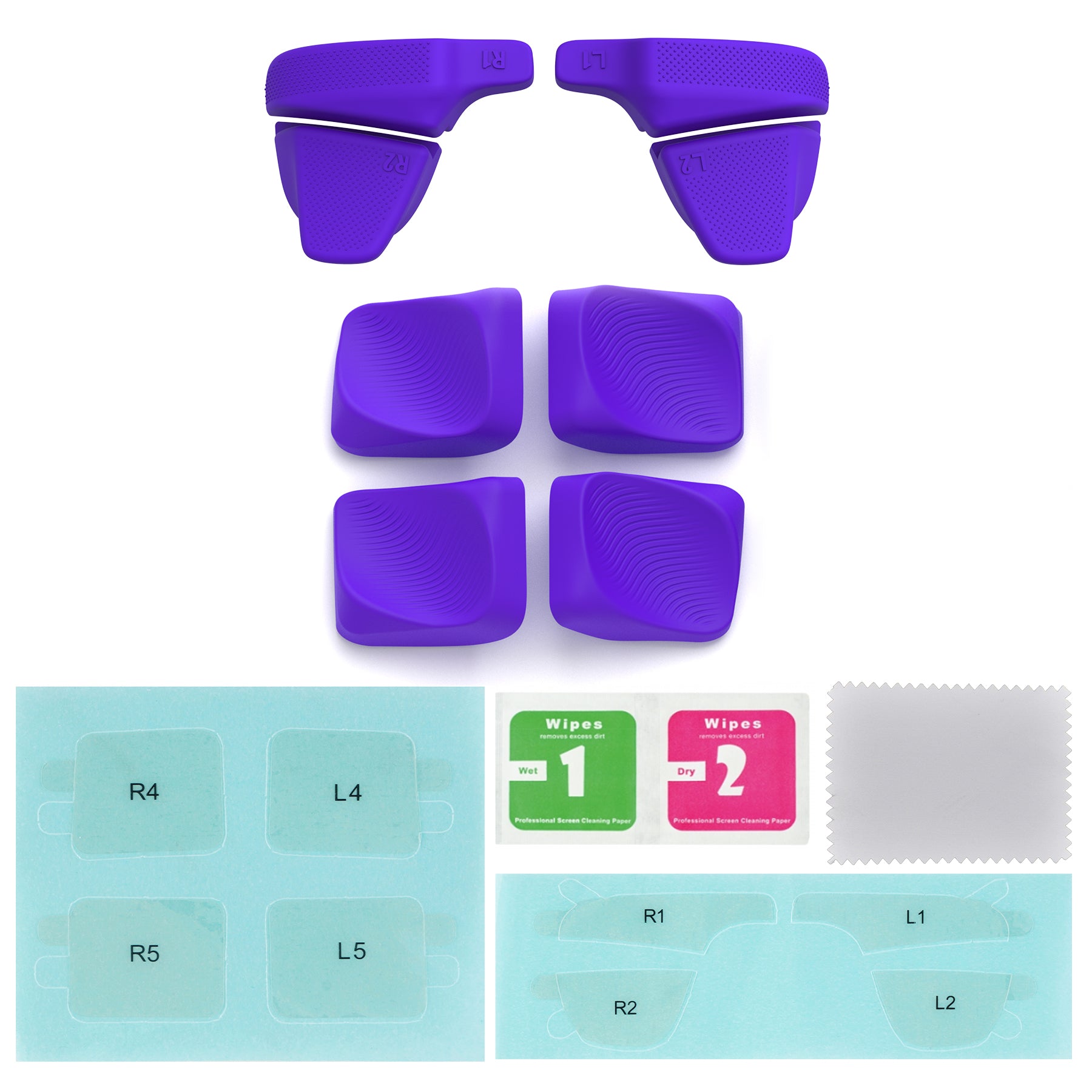
Package Includes:
4* Back Button for Steam Deck LCD & OLED
1 set of Bumper Trigger Enhancement Set for Steam Deck (L1R1L2R2)
1 set of Adhesive for Shoulder Buttons
1 set of Adhesive for Back Buttons
1 User Guide for Shoulder Buttons
1 User Guide for Back Buttons
Note:
the console itself and other parts are not included!
Know the fit
3. Silicone parts feature a textured anti-slip surface that keeps your grip steady, even with sweaty hands.
Choose & use with care
Use the exact product listing to compare the intended task, fitting and included components. Product capabilities are specific to the chosen model.
Compare the listed dimensions, capacity and actual option labels with your available space or equipment before ordering.
Use the care and handling directions supplied for the selected product. Contact our team with the SKU if a detail is not stated.
Follow the instructions supplied for the exact product. Features, limits and care directions are specific to the selected model.
Order preparation takes 1–3 business days, followed by 3–4 business days in transit: 4–7 business days in total. Standard shipping is free to the contiguous United States and DC, with no minimum order.
Request a return within 30 calendar days after delivery. We pay return shipping. After receipt, inspection and initiation of an approved refund take 5–7 business days.
Before you decide
Start with the exact platform. Read the actual item description, included parts and options. The collection contains different models; a feature stated for one item should not be assumed for every product.
Check model compatibility. Compare the dimensions and compatibility stated for the selected item with the space or equipment you intend to use. If a required measurement is absent, send the product name or SKU to [email protected] before purchasing.
Available choices are shown on the individual product page. Select the actual option labels before adding a variable product to your cart. Photos and specifications should be read together with that choice; availability is specific to the selected configuration.
Review what is included. Follow the instructions supplied for the exact model. Do not assume that all items have the same materials, installation method, care directions or intended use.