Start with the exact platform
Use the exact product listing to compare the intended task, fitting and included components. Product capabilities are specific to the chosen model.
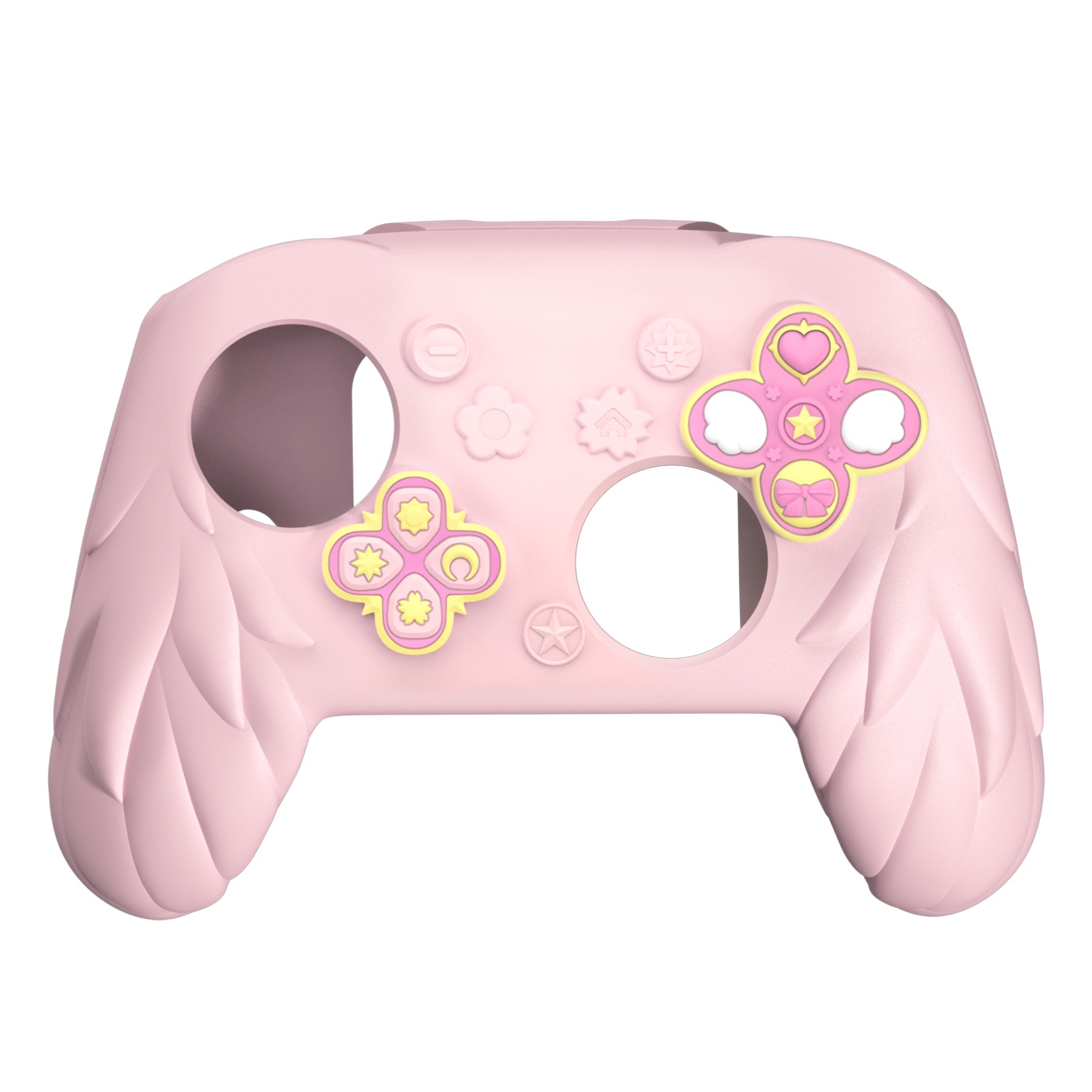
$49.98
Free standard US shipping
Contiguous 48 states & DC · 4–7 business days total
30-day returns
Merchant-paid return shipping. Read the policy
Questions about this item? [email protected]
Product brand: PlayVital
The details
Product Features:
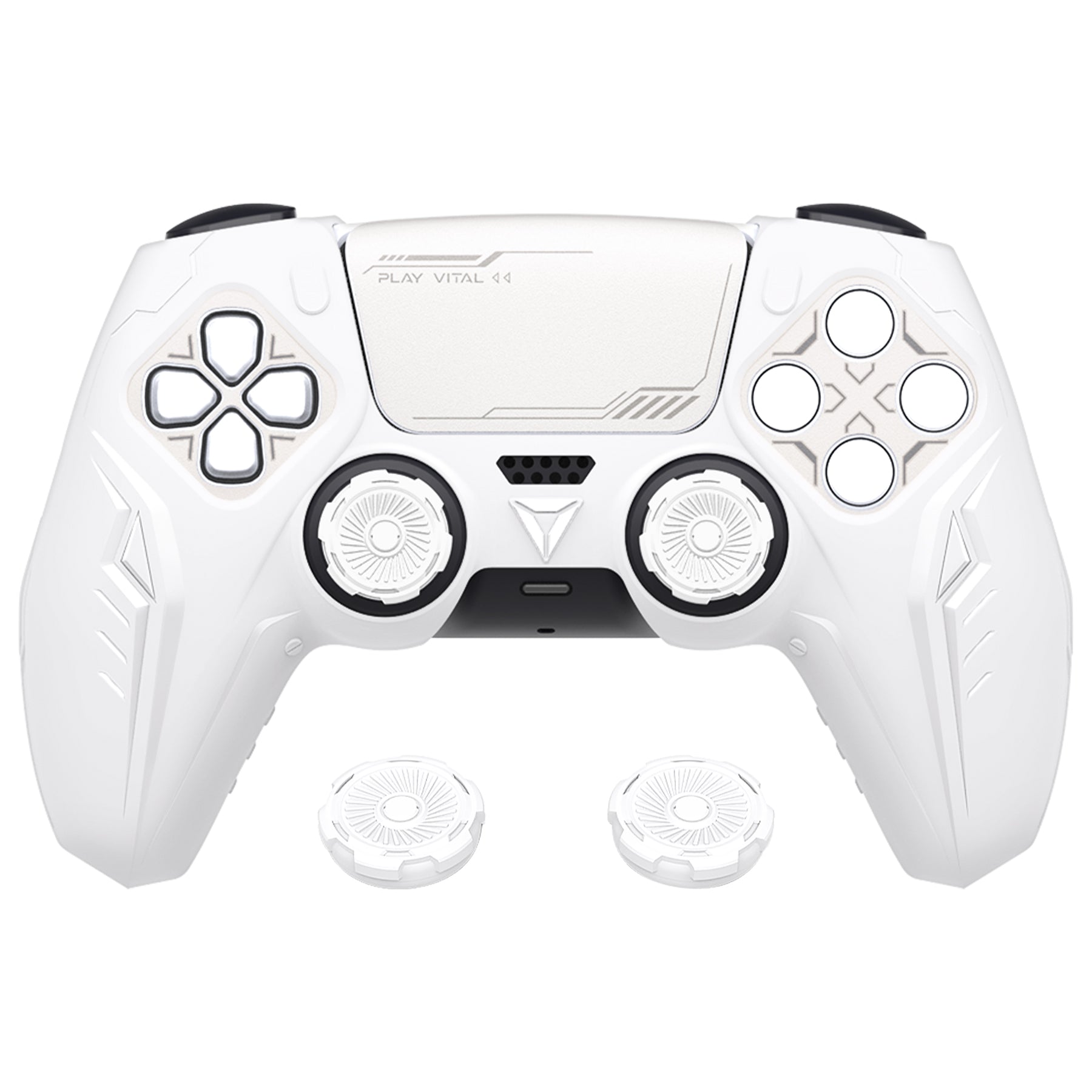
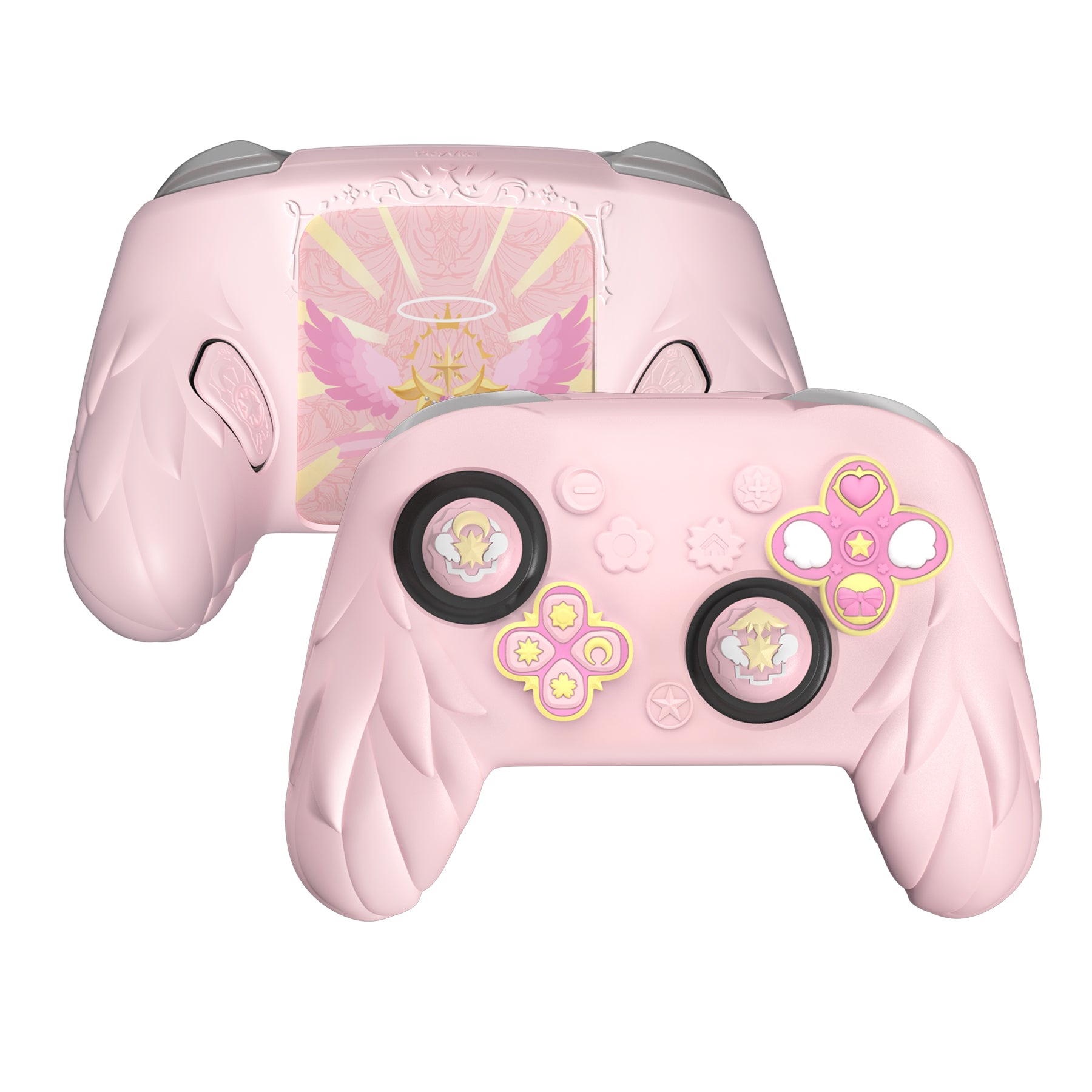
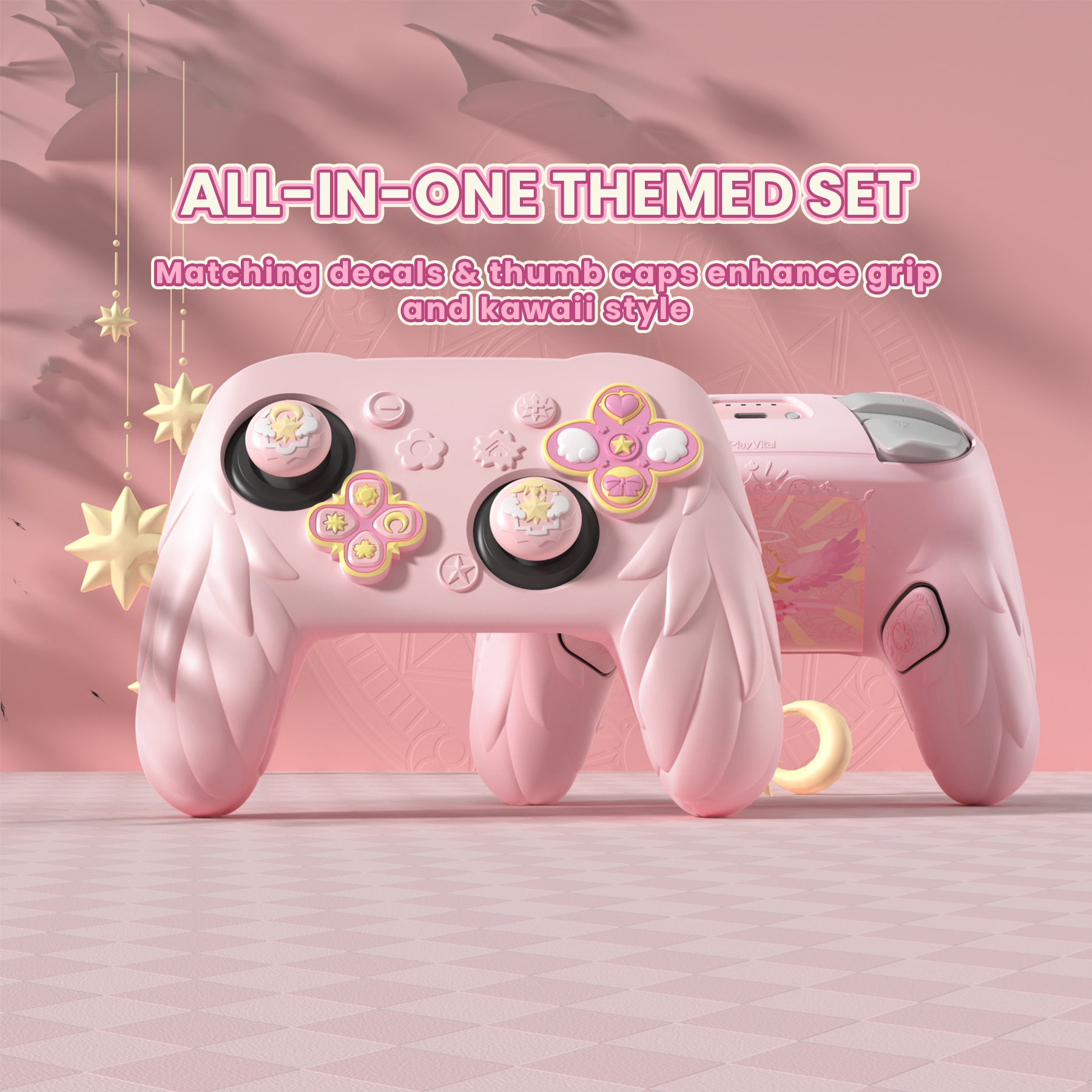
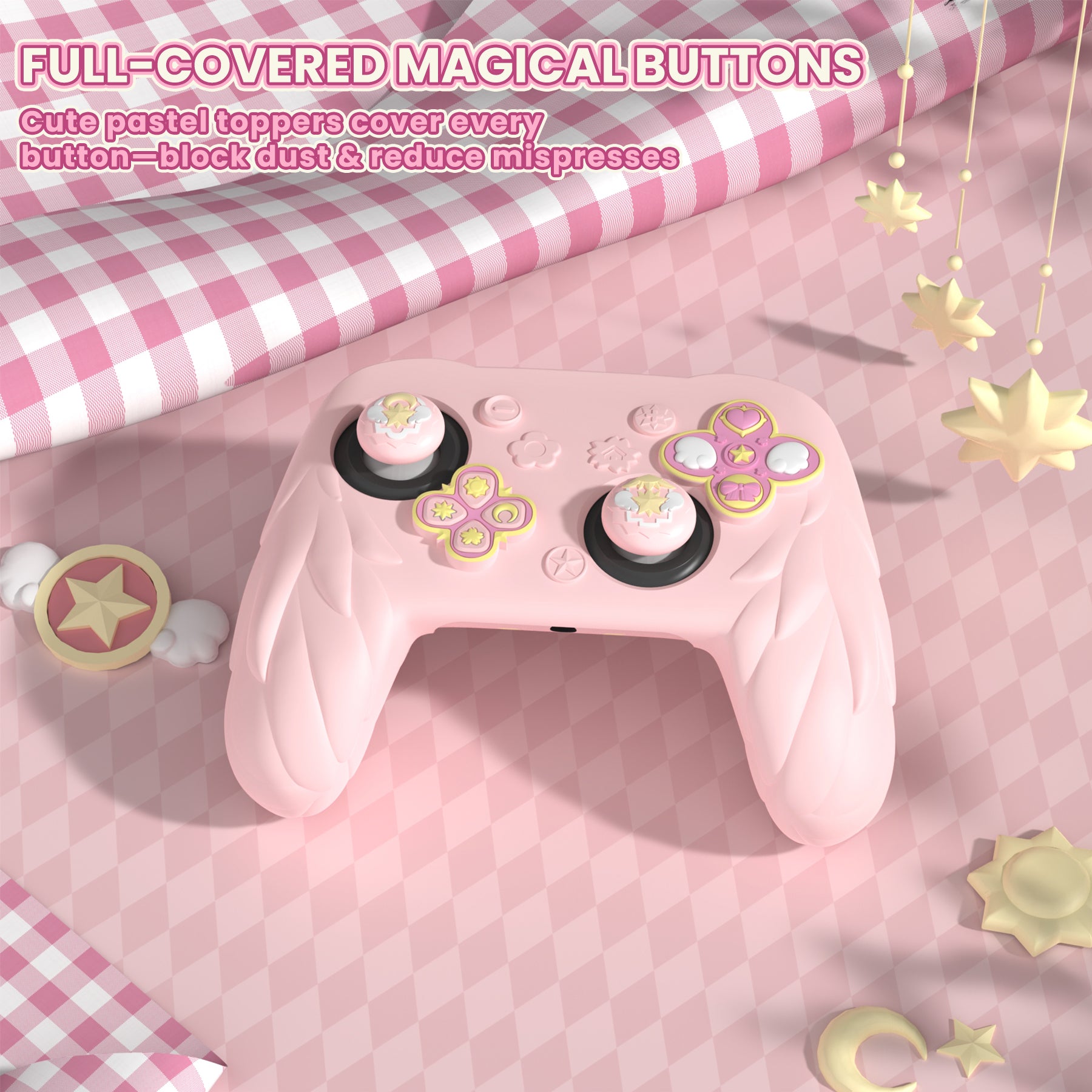
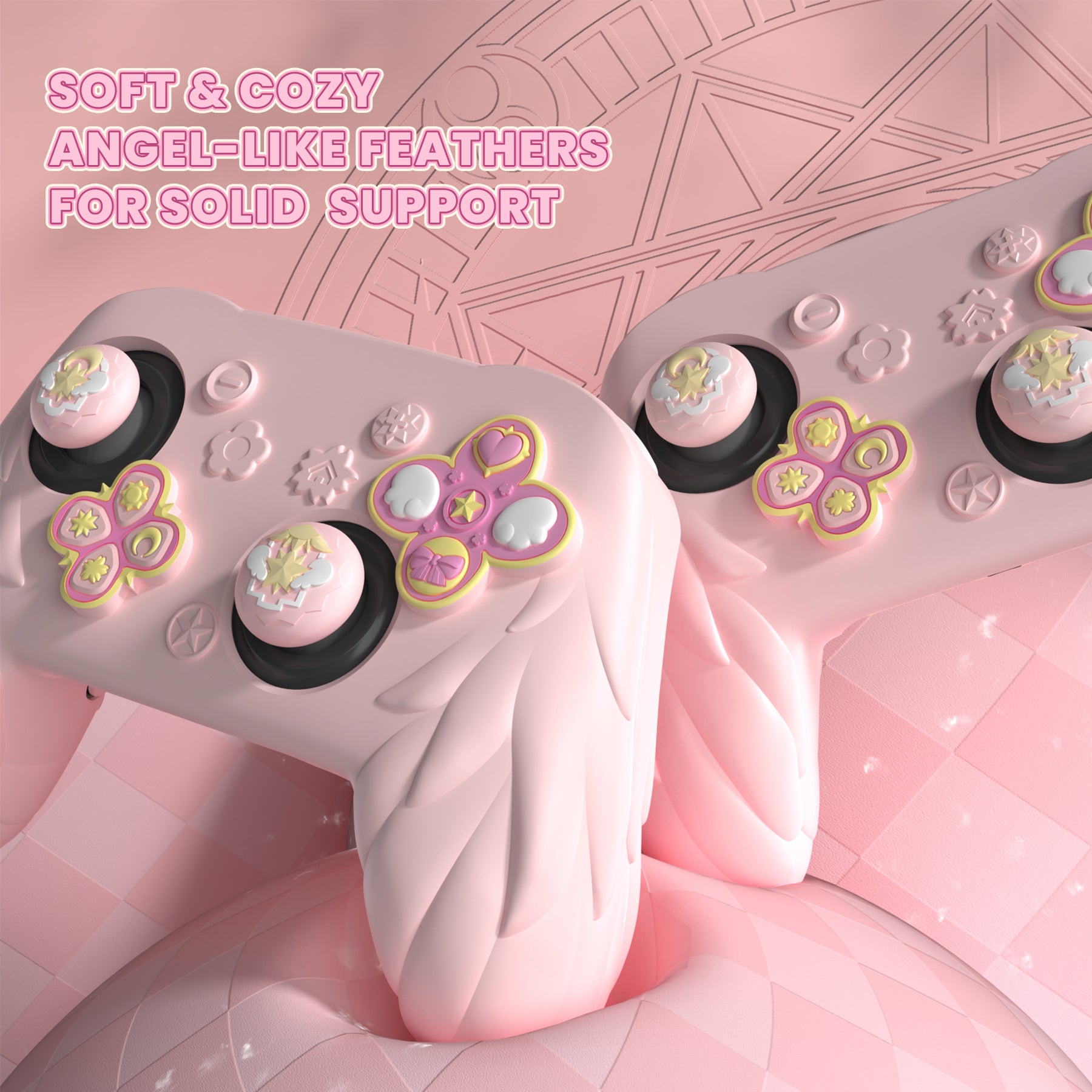
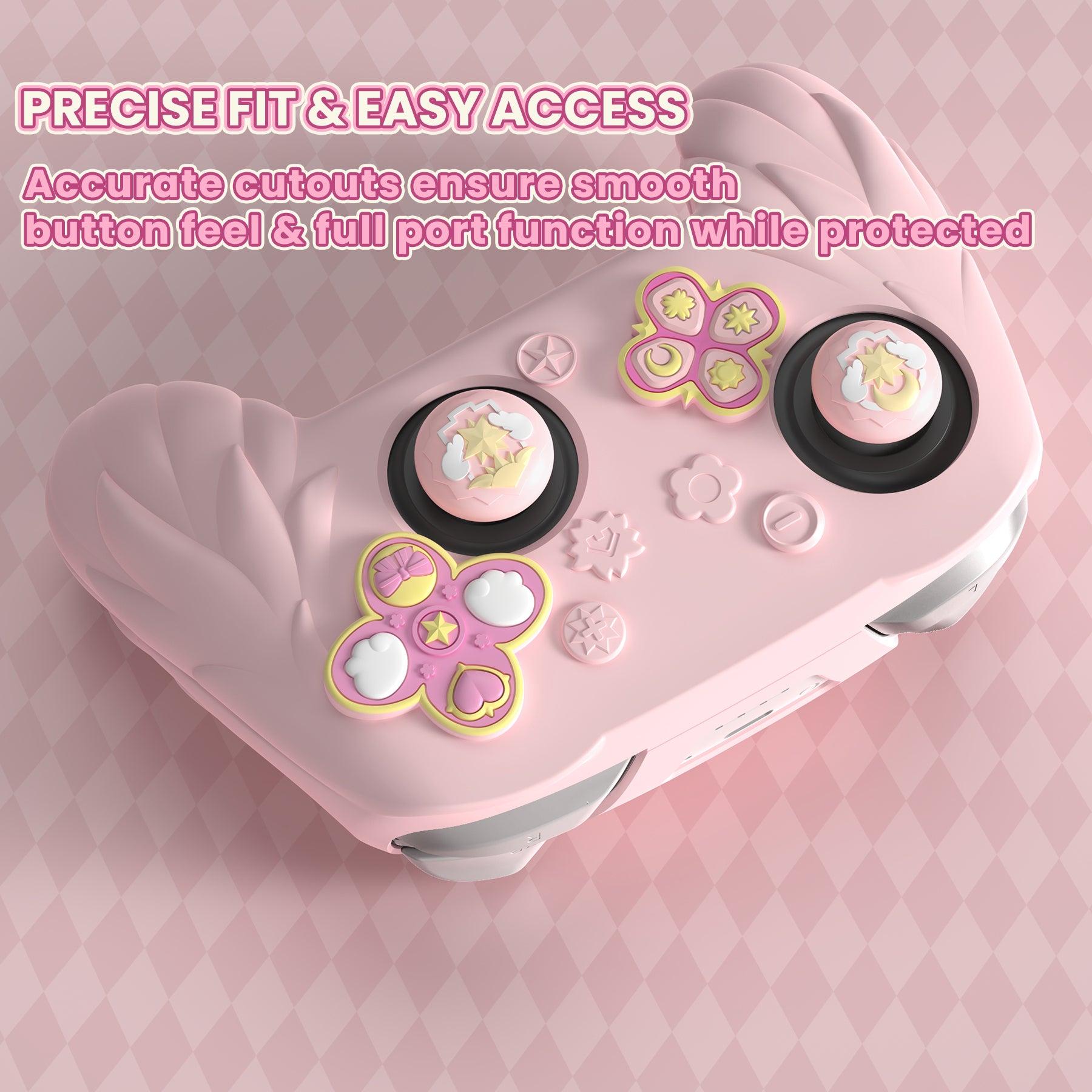
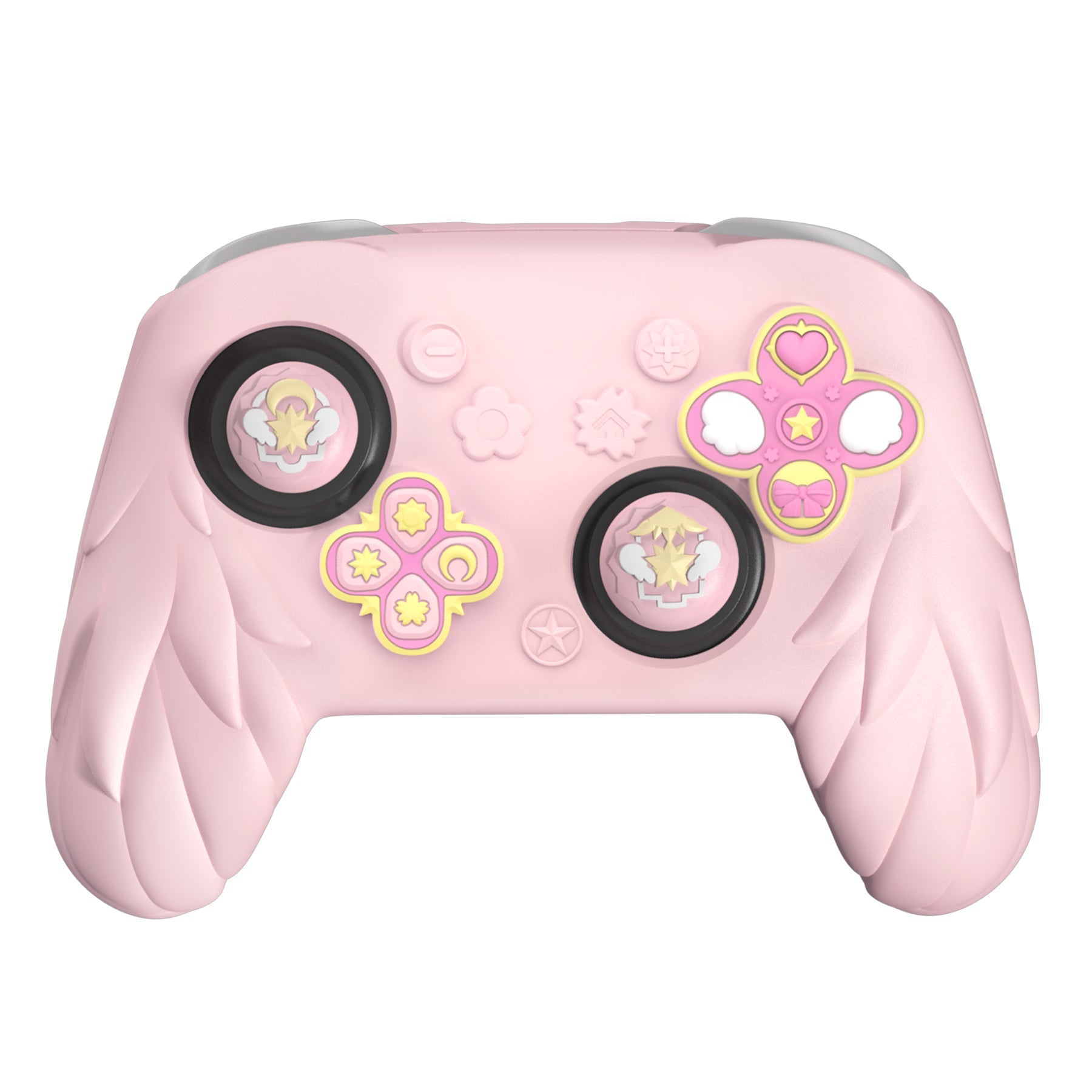
1. Designed for Nintendo Switch 2 Pro controller, the PlayVital Magic Wings set gives your controller a coordinated decorative upgrade while adding a soft silicone layer for everyday handling. The cover is made to stretch around the controller body and settle around the grip areas without tools, making it suitable for players who want a themed look without changing the controller shell.
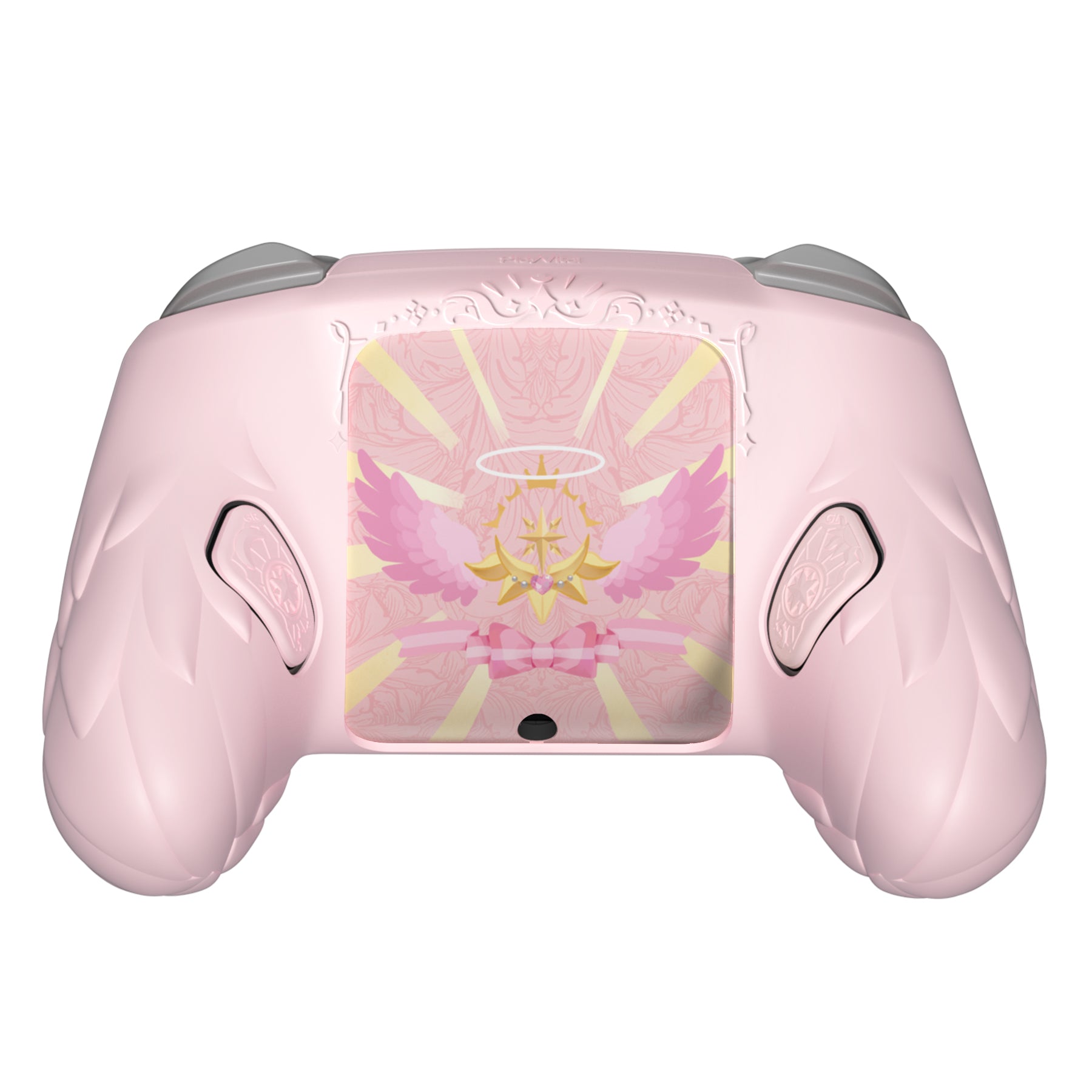
2. For installation, place one side of the controller into the silicone cover first, then gently work the other side into position. Avoid pulling hard on the thin areas near the sticks during setup. The GL/GR silicone back button caps use adhesive backing; align them with the rear buttons before pressing them in place.
3. The included thumb grips, back shell stickers and USB port stickers help complete the same Magic Wings style across the front, back and control areas. The silicone surface can be wiped with a damp cloth or rinsed with water after use, then dried before playing again.
Package Includes:
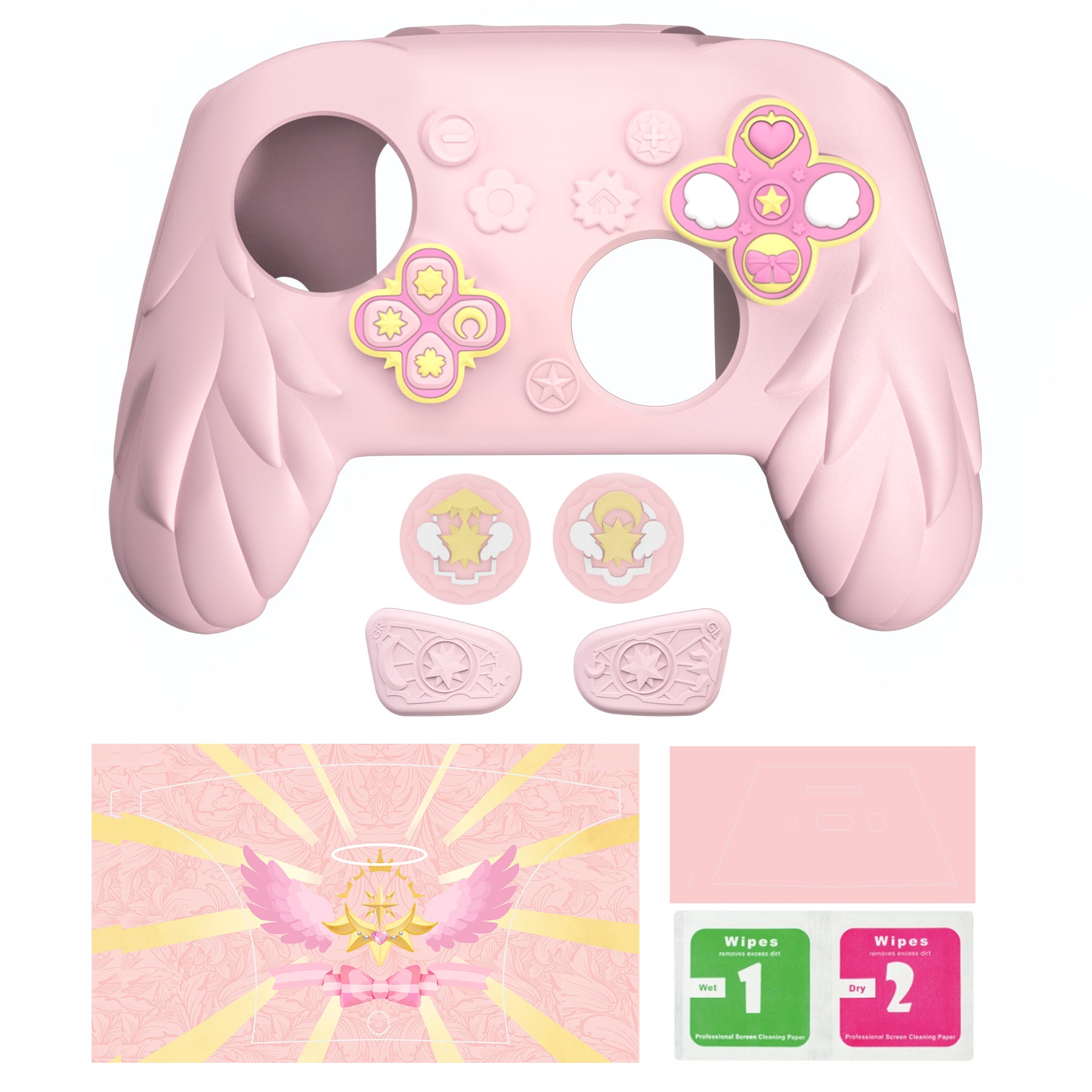
1 x Silicone skin for Nintendo Switch 2 Pro controller
2 x Thumb grips for Switch 2 Pro controller
2 x Stickers for back shell
2 x Stickers for USB port
2 x GL/GR adhesive silicone back button caps
1 x Instruction manual
Note:
The controller is not included. Slight color difference may occur due to screen settings and lighting. Install gently and avoid overstretching the thin areas near the sticks.
Designed by gamers. The silicone case Patented. Protected by issued and pending patents. PlayVital All rights reserved. All other trademarks are the property of their respective owners.
Know the fit
1. Designed for Nintendo Switch 2 Pro controller, the PlayVital Magic Wings set gives your controller a coordinated decorative upgrade while adding a soft silicone layer for everyday handling. The cover is made to stretch around the controller body and settle around the grip areas without tools, making it suitable for players who want a themed look without changing the controller shell.
2. For installation, place one side of the controller into the silicone cover first, then gently work the other side into position. Avoid pulling hard on the thin areas near the sticks during setup. The GL/GR silicone back button caps use adhesive backing; align them with the rear buttons before pressing them in place.
3. The included thumb grips, back shell stickers and USB port stickers help complete the same Magic Wings style across the front, back and control areas. The silicone surface can be wiped with a damp cloth or rinsed with water after use, then dried before playing again.
1 x Silicone skin for Nintendo Switch 2 Pro controller
2 x GL/GR adhesive silicone back button caps
Designed by gamers. The silicone case Patented. Protected by issued and pending patents. PlayVital All rights reserved. All other trademarks are the property of their respective owners.
Choose & use with care
Use the exact product listing to compare the intended task, fitting and included components. Product capabilities are specific to the chosen model.
Compare the listed dimensions, capacity and actual option labels with your available space or equipment before ordering.
Use the care and handling directions supplied for the selected product. Contact our team with the SKU if a detail is not stated.
Follow the instructions supplied for the exact product. Features, limits and care directions are specific to the selected model.
Order preparation takes 1–3 business days, followed by 3–4 business days in transit: 4–7 business days in total. Standard shipping is free to the contiguous United States and DC, with no minimum order.
Request a return within 30 calendar days after delivery. We pay return shipping. After receipt, inspection and initiation of an approved refund take 5–7 business days.
Before you decide
Start with the exact platform. Read the actual item description, included parts and options. The collection contains different models; a feature stated for one item should not be assumed for every product.
Check model compatibility. Compare the dimensions and compatibility stated for the selected item with the space or equipment you intend to use. If a required measurement is absent, send the product name or SKU to [email protected] before purchasing.
Available choices are shown on the individual product page. Select the actual option labels before adding a variable product to your cart. Photos and specifications should be read together with that choice; availability is specific to the selected configuration.
Review what is included. Follow the instructions supplied for the exact model. Do not assume that all items have the same materials, installation method, care directions or intended use.